Creating and Using QR Codes for Classroom Resources at Santa Fe High School
This guide provides a step-by-step process for creating QR codes that link to PDF files for educational use at Santa Fe High School. Learn how to upload files using Site Manager (Moodle), Dropbox, or Google Drive, and create links for QR codes. Discover creative ideas for utilizing QR codes in the classroom, such as back-to-school night communication, student worksheets, and enhanced learning experiences. For inquiries, contact Monica Dixon at (562) 698-8121 or via email at monica.dixon@wuhsd.org.


Creating and Using QR Codes for Classroom Resources at Santa Fe High School
E N D
Presentation Transcript
How to Create a QR code Santa Fe High School Monica Dixon
Upload a PDF file into • Site Manager (Moodle) • Dropbox • Google Drive Sign in Use your username and password from synergy.
Make sure your file name has no spaces Click on upload
2) Create a link to your PDF file • Site Manager (Moodle) • Dropbox • Google Drive Click on more
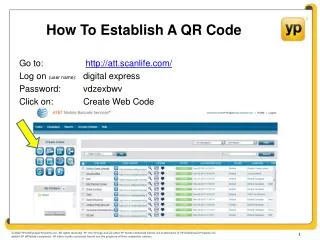
Make a QR Code • www.qrstuff.com Paste link QR Code
Back to School Night meCard for parents Contact Details
Communication Please feel free to call, or e-mail me if you have concerns or questions about your child’s education. Phone: (562) 698-8121Email:monica.dixon@wuhsd.orgWebsite: www.wuhsd.org/mdixon
Make a worksheet where students check their answers with QR code Plain Text
Need more ideas? 1.) 10 ways to use QR codes in a History classroom http://www.kerryjturner.com/experimenting-with-qr-codes-in-teaching-history/ 2.) The Ultimate Guide to Using QR Codes in the Art Room http://www.theartofed.com/2014/04/02/the-ultimate-guide-to-using-qr-codes-in-the-art-room/ 3.) 49 Interesting Ways to use QR Codes to Support Learning https://docs.google.com/presentation/d/1ujQ_jnrGc5BE9oEA47CBkpgwjLXjN6IlIjrDlXUJvFs/embed#slide=id.i0