Advanced Java Swing GUI Components: Exploring AWT and JFC for Enhanced User Interfaces
This chapter delves into the Swing components of Java's Advanced Java 2 Platform, providing a comprehensive overview of the Abstract Windowing Toolkit (AWT) and Java Foundation Classes (JFC). It covers the improved GUI components available in Swing that offer more advanced features than AWT. Key topics include various text components like JTextField, JPasswordField, JTextArea, and JEditorPane, highlighting their functionality and styling capabilities. The chapter also introduces reusable UI logic components, enhancing your understanding of rich interface development.

Advanced Java Swing GUI Components: Exploring AWT and JFC for Enhanced User Interfaces
E N D
Presentation Transcript
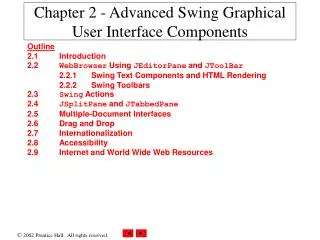
CS413Advanced Swing Graphical User Interface Components Text: Advanced Java 2 Platform: Chapter 2 Abstract Windowing Toolkit (AWT)Library of pre-written Java code for graphical and data manipulation Java Foundation Class (JFC) Swing ComponentsDevelop functionally rich GUI interfacesMore complete set of GUI components than AWT More advanced features New Java Class’ JEditorPaneRendering of Styled objects i.e. HTML pages, build a web browser Swing ActionsTo build reusable, user-interface logic components JSplitPane and JTabbedPane Multiple-document-interface components For organizing GUI elements
CS413 JTextComponent – ClassBase class for all Swing text components JTextField – subclass Single line text component Input/output No special text styling Text is a single font and color JPasswordField – subclass Obtaining passwords JTextArea – sublclassProvides a larger visible area Supports larger plain-text documents No special text styling Text is a single font and color JEditorPane – subclassEnhanced text-rendering Supports styled documents formatting, font and color Render HTML and Rich Text Format (RTF)JTextPane – subclassOnly styled documents and not plain text Fine-grained control over the style of: Each character Each paragraph
CS413 Sample: WebBrowserPane.java(Page 31, Figure 2.1) WebToolBar.java(Page 35, Figure 2.3) WebBrowser.java(Page 38, Figure 2.4) – Initial Program