Download
1 / 5
50 likes | 169 Vues
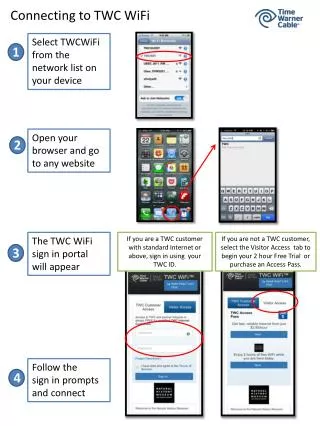
Connect to TWC WiFi effortlessly using your device's native WiFi settings. Available for both TWC residential and business customers with Standard Internet or higher, simply log in using your TWC ID or Roadrunner credentials. Prepaid users can access TWC WiFi via the Prepaid Access Pass or enjoy a 1-hour free trial under the ‘Visitor’ tab. For further assistance, visit TWC's extensive online support at www.twcwifi.com/support, which includes FAQs and online chat options.

E N D
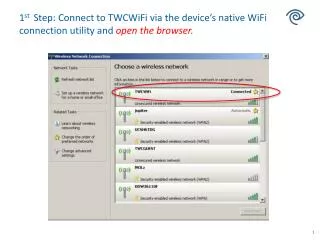
1st Step: Connect to TWCWiFi via the device’s native WiFi connection utility and open the browser.
TWC subscribers and Visitor Login Available to TWC business and residential customers with Standard Internet or above using TWC ID or Roadrunner credentials.
Prepaid Customer Access and Free Trial For users seeking to access through the Prepaid Access Pass or 1 hourFree Trial option, they will find this login feature under the ‘Visitor’ tab
TWC WiFi Online Support www.twcwifi.com/supportExtensive Online Customer Support, FAQs & Online Chat