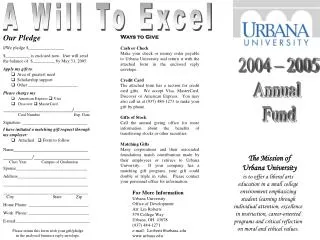
Paper Pledge Form Tutorial: Basics and Completion Guide
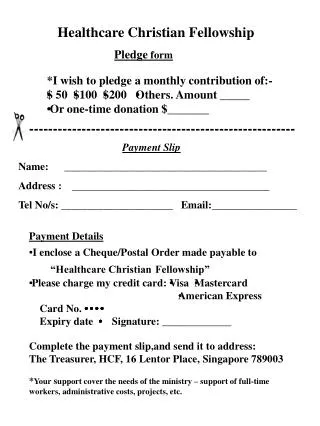
This video tutorial covers the basics of taking a pledge using the paper form as an alternative to a computer. It includes parts of the form such as Contact Information, Gift Information, Pledge Payment Options, Day Sponsorship, and Transaction/Pledge Comments. The video emphasizes the importance of confirming details with donors, proper handling of payment information, and communicating effectively. Completing this tutorial is crucial for ensuring accurate and successful pledge completion. For any clarifications or questions, do not hesitate to contact Sheryl Spitler or Rebecca Palmatier at (513) 542-9259.


Paper Pledge Form Tutorial: Basics and Completion Guide
E N D
Presentation Transcript
The Paper Pledge Form Video Tutorial
Welcome! • We appreciate YOU!!!!! • This video is a guide • Submit Review Questionnaire to show completion
Paper Form • Will be available at each workstation • Covers basics of taking a pledge • Can be used instead of a computer • NEED TO USE FOR • Changes with existing pledges • If something about a pledge needs clarification • If you’re JUST not SURE.
Parts of the Form • Contact Information • Gift Information • Pledge Payment Options • Day Sponsorship • Transaction / Pledge Comments
Contact Information • MOST IMPORTANT part of a pledge • Confirm spelling of EVERYTHING back to donor before hanging up • If there are any mistakes here, it’s not likely that the pledge will be completed.
Contact Information • 2 other questions • Simply check ONE box for each question • The donor doesn’t have to answer, but we need to ask.
Gift Information • Types of giving: • Dollar A Day ($35 per month) • Club 93 ($93 per month) • Any other single gift • Any other monthly gift • Frequency of Giving: • Single Gift • Monthly Gift
Pledge Payment Options • MAIL IN (Check, Cash, Money Order) • Credit Card • EFT (Electronic Funds Transfer) from bank account
Mail In Gifts • No other payment information is needed • Ask the question
Credit Card Pledges • Credit Card Information Is Needed • Credit Card Type • FULL Card # (READ BACK) • Expiration Dates • Ongoing/Autopledge • You DON’T have to ask the question…
EFT Pledges • Account Information is needed (found on check) • Routing Number • Account Number • Account Type (C=check; S=Savings) • Ongoing/Autopledge • You DON’T have to ask the question…
Day Sponsorships • For CLUB 93 giving levels or higher • This doesn’t guarantee a date… • A Staff member will call/email them after to confirm their date and set up their message.
Transaction / Pledge Comments • Not for Prayer Requests (separate pad) • You can communicate to US through this • Clarify anything that you feel we need to know that is out of the ordinary. • Example: Increase/Decrease pledge
Closing • THANK THEM! • Take down any prayer requests • Hang up the phone
COMPLETE This completes the video tutorial for using the Paper Pledge Form. If you have any questions, please contact Sheryl Spitler or Rebecca Palmatier. (513) 542-9259 Make sure to complete the online review!