
One Click Install
E N D
Presentation Transcript
One Click Install • Melanie Adcock • mgacreativedesigns.com • @mgacreative
About Me • Using WordPress for about 3 years • moved from plain html/css websites • full-time freelance web designers • former teacher, former I.T. Director
Overview • One Click Install • One Click Install (with options - easy) • One Click Install (with options - advanced)
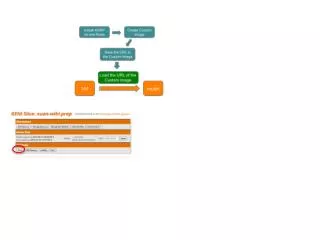
One Click Install(Good) • Webhosting account - with a one click install script like Simple Scripts, Fantastico, Softaculous, Media Temple • cPanel login credentials
Path of installation Is it at the root or a subfolder
Uncheck extras if necessary Check Terms and Conditions Click Complete
Script installs WordPress, creates Database, Creates Admin account
One Click with Options(Better) • Same process but you create the user account and password
Path of installation Is it at the root or a subfolder
Create User name instead of using default Admin account Change password if necessary but make it secure. Write it down.
Uncheck extras if necessary Check Terms and Conditions Click Complete
Script installs WordPress, creates Database, Creates Admin account
One Click Install with Options(Best) • Still taking advantage of Easy Install • Setting user account (not default Admin) • Adding a database manually
Create DB User Different from WP User Add Password or use PW Generator
Path of installation Is it at the root or a subfolder
Uncheck extras if necessary Check Terms and Conditions Click Complete
Script installs WordPress, creates Database, Creates Admin account
Advantages • no FTP • fast • easy
Keep in Mind • process varies from Host to Host • Write down information • Tighten security further....