
Uploaded by
lily
7 SLIDES
198 VUES
70LIKES
NUVision
DESCRIPTION
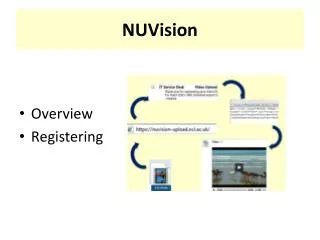
NUVision provides a seamless way to upload your video files for easy sharing. Start by registering for the service at the provided link. After uploading your video, NUVision will convert it and notify you via email. You can then use the generated embed code to integrate your video into Blackboard or any web pages. For guidance, refer to the user guide for detailed instructions on using NUVision effectively.
Download
1 / 7
Télécharger la présentation 
NUVision
An Image/Link below is provided (as is) to download presentation
Download Policy: Content on the Website is provided to you AS IS for your information and personal use and may not be sold / licensed / shared on other websites without getting consent from its author.
Content is provided to you AS IS for your information and personal use only.
Download presentation by click this link.
While downloading, if for some reason you are not able to download a presentation, the publisher may have deleted the file from their server.
During download, if you can't get a presentation, the file might be deleted by the publisher.
E N D
Presentation Transcript
NUVision • Overview • Registering
Getting Started Register for the service using the form at https://crypt.ncl.ac.uk/helpdesk/nuvision/ View the user guide http://www.ncl.ac.uk/iss/web/infrastructure/streaming/NUVision.php
More Related