MyMathLab Instructor Registration Instructions
This guide provides step-by-step instructions for instructors to register on MyMathLab, customize courses, and develop syllabi. It addresses accessing the platform, setting up accounts, and planning course structure.
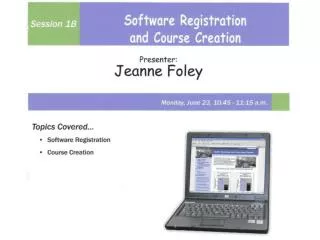

MyMathLab Instructor Registration Instructions
E N D
Presentation Transcript
Starting Questions: • Do any of you have any previous experience with MyMathLab? If you have already registered as an instructor, you can skip the first registration step of this process. • Are any of you using an Apple/Mac computer? • Will your courses be completely online, or will you be meeting with your students regularly? • Will your students have access to computers in your classrooms?
Step One: Register(only necessary for those who do not yet have an instructor account) • Open Internet Explorer • Go to www.coursecompass.com • Register as an Instructor using the following Access Code: WECCQS-DROLL-BEZEL-SCOUT-CONTO-BODES
Register as an Instructor using Access Code: WECCQS-DROLL-BEZEL-SCOUT-CONTO-BODES
Record your login name and password on the information page at the front of your workshop notebook NOW.
f RECORD THIS NUMBER IN YOUR NOTEBOOK NOW!
Things you’ll need to decide before you begin customizing your course later this afternoon: • Which chapters/sections are you planning to cover? • Will each of your instructors be creating an independent (standard) course for each section, or will you be creating a template (coordinator ) course that will be used for multiple sections and/or multiple instructors?
Next on the Schedule: • Syllabus Development • LUNCH BREAK! This afternoon: • MML Software Overview • Course Customization 1