
Uploaded by
lyneth
7 SLIDES
246 VUES
70LIKES
Acessar gdae.sp.br
DESCRIPTION
Acessar www.gdae.sp.gov.br. Selecionar “Alunos”. Escolher o Sistema “Cadastro de Alunos”. Selecionar o SISTEMA. Digitar o NOME DO OPERADOR. Digitar a SENHA SECUNDÁRIA. Será apresentado o MENU PRINCIPAL do Sistema de Cadastro de Alunos em nova versão.
Download

1 / 7
Télécharger la présentation 
Acessar gdae.sp.br
An Image/Link below is provided (as is) to download presentation
Download Policy: Content on the Website is provided to you AS IS for your information and personal use and may not be sold / licensed / shared on other websites without getting consent from its author.
Content is provided to you AS IS for your information and personal use only.
Download presentation by click this link.
While downloading, if for some reason you are not able to download a presentation, the publisher may have deleted the file from their server.
During download, if you can't get a presentation, the file might be deleted by the publisher.
E N D
Presentation Transcript
Acessar www.gdae.sp.gov.br
Selecionar o SISTEMA Digitar o NOME DO OPERADOR Digitar a SENHA SECUNDÁRIA
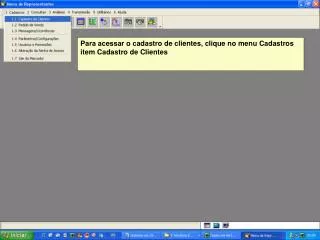
Será apresentado o MENU PRINCIPAL do Sistema de Cadastro de Alunos em nova versão.
A navegação poderá ser pelo “mouse” ou por meio da digitação do número das opções no Campo “Opção”















More Related