Adding Pictures to your post
In this lesson, Grade 5 students will learn how to enhance their posts by adding images from both their computer and the web. Steps include creating a new post, inserting pictures, and adjusting the image size and position. Students will practice these skills by completing a task to create a new post, applying what they've learned about uploading and embedding pictures. This hands-on approach will help them understand the importance of visuals in communication and enhance their digital literacy skills.

Adding Pictures to your post
E N D
Presentation Transcript
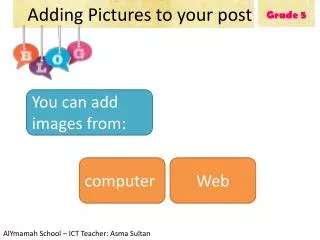
Grade 5 Adding Pictures to your post You can add images from: computer Web AlYmamah School – ICT Teacher: Asma Sultan
Grade 5 1.Click on New Post Adding Pictures to your post
Grade 5 2.Click on picture Adding Pictures to your post
Adding Pictures to your post Adding Pictures to your post Grade 5 1.Click here To add picture from your computer 2.Click on the picture 3.Click here
Adding Pictures to your post Adding Pictures to your post Grade 5 1.Click here 2.Copy the picture URL from web then paste it here To add picture from web 3. Click here
Adding Pictures to your post Adding Pictures to your post Grade 5 Click here to post To adjust the picture’s size & position
Adding Pictures to your post Adding Pictures to your post Grade 5 Task: Create a new post and apply what you have studied in this lesson.