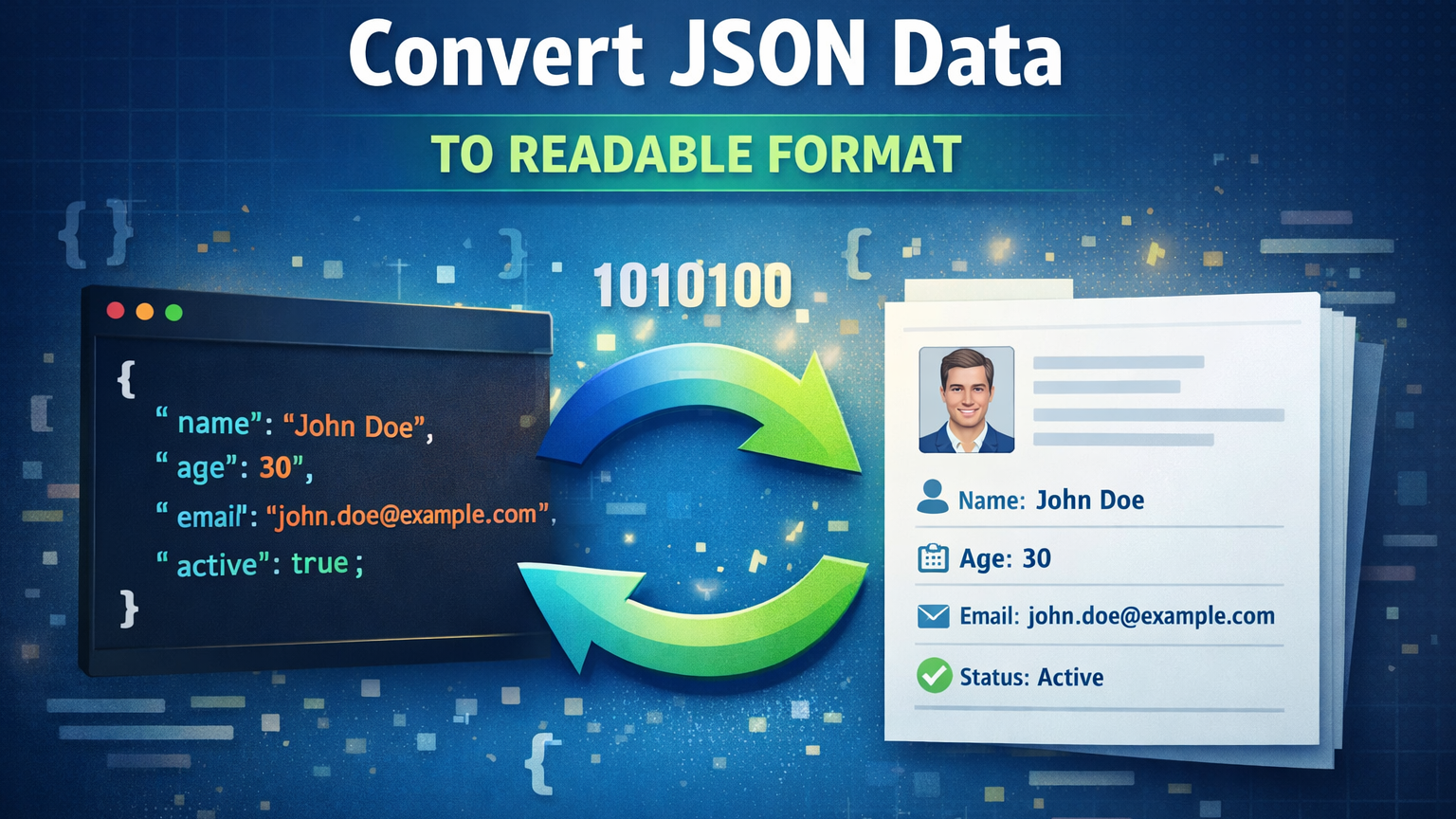
Managing structured data into a human-readable format is one of the reliable ways to handle JSON files. However, JSON is designed for data exchange between APIs and web applications, which makes it difficult for users to read, edit, and analyze the data. In this situation user need to convert JSON File into readable format to manage complex and nested JSON easily.
This not only improves clarity but also simplifies data validation, sharing, and overall management of data. Here, in this guide, we will provide the best techniques to convert JSON data to readable format and make conversion effortless. Now, let’s begin with a discussion.
Benefits to Convert JSON to Readable Format
Converting JSON data into a readable format makes it easier for users to understand and work with structured information. Proper formatting with indentation, spacing, and an organized structure improves clarity and reduces the chances of errors while handling the file. Here are some advantages:
- Easy Debugging and Troubleshooting
Readable JSON allows users to clearly view key-value pairs and nested structures, making data interpretation and decision-making easier.
- Improved Collaboration
- Simplified Data Editing
Overall, converting JSON into a readable format enhances productivity, accuracy, and efficiency when managing structured data.
How to Convert JSON Data to Readable Format? 3 Proven Methods
JSON files often appear complex and difficult to interpret, especially when they are minified or contain deeply nested data structures. To make the information clear and manageable, it is important to convert JSON data into a readable format. Fortunately, there are several proven methods available to make the process seamless. Now, let’s dive into these solutions.
Method 1: Use Online Tools
Online JSON formatter tools are quick and convenient solutions for converting JSON data into a readable format without installing any software. Follow the steps:
- Open any reliable online JSON formatter website.
- Copy and paste your JSON data into the input field.
- Click on the Format/Beautify button.
- Download or copy the formatted output.
PROS:
- Free and easy to use
- No installation required
- Instant formatting
CONS:
- Not suitable for large JSON files
- Data privacy concerns
- Requires an internet connection
Method 2: Convert JSON Data to Readable Format Using Professional Tool
Many users need a quick and secure way to convert JSON to readable format. Here comes SysTools JSON Converter Tool, which allows users to convert JSON files into human-readable formats. This method is suitable for both technical and non- technical users who need accurate and bulk conversion while maiantaing data accuracy. Follow the steps to know how to use the software:
- Download and run the above-mentioned tool.
- Browse and upload JSON file.
- Choose PDF as a readable file format.
- Click on the Export button.
- Lastly, tap on View Report to vuew Output file.
Key Features of Using Advanced Software
- Handle both complex and deeply nested JSON files.
- Support bulk conversion to handle multiple files.
- It is an offline solution that does not require an internet connection.
- It is no-code-based, in which no technical expertise is needed.
- Safe and secure method with 100& success rate.
Method 3: Use Text Editors
Advanced text editors like Notepad++ or Visual Studio Code offer built-in formatting features to beautify JSON files. Follow the instructions mentioned below:
- Open the JSON file in a text editor.
- Install a JSON formatter plugin (if required).
- Select the format/beautify option.
- Save the formatted file.
PROS:
- Suitable for technical users. I
- t works completely offline.
- It is free to use.
CONS:
- Not beginner-friendly
- Limited support for very large files
- Requires technical knowledge
Best Practices for Managing JSON Data
- Keep backup copies
- Validate JSON regularly
- Avoid manual editing in basic editors
- Use structured tools for conversion
Time to Wrap Up!
In this article, we understand how to convert JSON data to readable format using three different techniques effortlessly. All the methods provide results, but manual methods always come with some drawbacks that can be error-prone. So, we suggest you choose an automated solution to convert JSON to readable format with just a few clicks. It can preserve the original folder hierarchy during the conversion process.