
Uploaded by
merrill
18 SLIDES
320 VUES
180LIKES
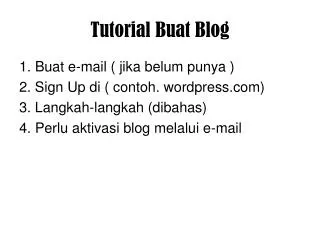
Tutorial Buat Blog
DESCRIPTION
Tutorial Buat Blog. 1. Buat e-mail ( jika belum punya ) 2. Sign Up di ( contoh. wordpress.com) 3. Langkah-langkah (dibahas) 4. Perlu aktivasi blog melalui e-mail. klik. anakpintarlelaki. *************. *************. anakpintarlelaki@gmail.com. diisi. sesudah diisi.
Download
1 / 18
Télécharger la présentation 
Tutorial Buat Blog
An Image/Link below is provided (as is) to download presentation
Download Policy: Content on the Website is provided to you AS IS for your information and personal use and may not be sold / licensed / shared on other websites without getting consent from its author.
Content is provided to you AS IS for your information and personal use only.
Download presentation by click this link.
While downloading, if for some reason you are not able to download a presentation, the publisher may have deleted the file from their server.
During download, if you can't get a presentation, the file might be deleted by the publisher.
E N D
Presentation Transcript
Tutorial Buat Blog 1. Buat e-mail ( jika belum punya ) 2. Sign Up di ( contoh. wordpress.com) 3. Langkah-langkah (dibahas) 4. Perlu aktivasi blog melalui e-mail
anakpintarlelaki ************* *************
tampilan blog awal klik
Selesai Kemudian untuk mendesign nya perlu Log in dan mengatur di menu Dashboard
anakpintarlelaki *************
klik Untuk Keluar dari panel blog








![Tutorial Buat Sandal Hotel Ö838_4Ö61_2744[wa]](https://cdn5.slideserve.com/9750647/tutorial-buat-sandal-hotel-0838-406i-2744-wa-dt.jpg)
More Related