Download
1 / 2
20 likes | 133 Vues
Learn how to add the Andersen mobile app to your desktop with simple steps. Once added, access pricing, sell sheets, catalogs, training programs, product specs, surveys, cost calculator, testimonials, logo mat database, and educational content.

E N D
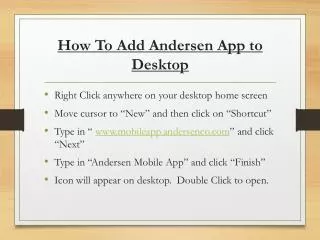
How To Add Andersen App to Desktop • Right Click anywhere on your desktop home screen • Move cursor to “New” and then click on “Shortcut” • Type in “ www.mobileapp.andersenco.com” and click “Next” • Type in “Andersen Mobile App” and click “Finish” • Icon will appear on desktop. Double Click to open.
What the Mobile App Can Do • Contains all Pricing • Contains all Literature Sell Sheets • Contains all Catalogues • BrainShark On Demand Training Program • Product Spec Sheets • Custom Facility Surveys* • Buy vs. Rent Cost Calculator • Testimonials • Logo Mat Database • Educational and Instructional Info