Cave Visualization
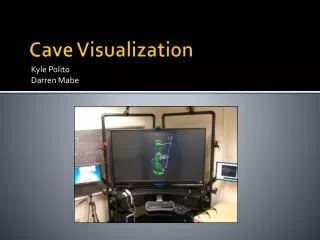
This project focuses on improving the Cave visualization experience by streamlining the use of IQ Station. We've addressed issues such as color transfer and the importation of advanced CATIA models, simplifying the process for users. By editing existing tutorials, we've created an easier procedure for importing 3D geometry into the Cave. The method now utilizes STEP file transfer, which is a more straightforward approach compared to IGS. Additionally, we have ensured accurate part coloring by applying materials separately, enhancing the overall visualization quality in the Cave.

Cave Visualization
E N D
Presentation Transcript
Cave Visualization Kyle PolitoDarren Mabe
Objective • Stream lining IQ station use • Fixing color transfer • Import advanced CATIA models
Stream lining IQ station use • Edited both existing tutorials to make procedure for importing 3D geometry to the cave very simple • Using Step file transfer instead of igs simplified process
Fixing color transfer • Apply material to each part separately • Change color of the part Color applied without material Color applied correctly
Importing Advanced Catia models Skeleton Clock EP 214 and 216 Renovation