Download
1 / 4
Télécharger la présentation 
Enhancing Learning with Smart Pens: A Comprehensive Guide
An Image/Link below is provided (as is) to download presentation
Download Policy: Content on the Website is provided to you AS IS for your information and personal use and may not be sold / licensed / shared on other websites without getting consent from its author.
Content is provided to you AS IS for your information and personal use only.
Download presentation by click this link.
While downloading, if for some reason you are not able to download a presentation, the publisher may have deleted the file from their server.
During download, if you can't get a presentation, the file might be deleted by the publisher.
E N D
Presentation Transcript
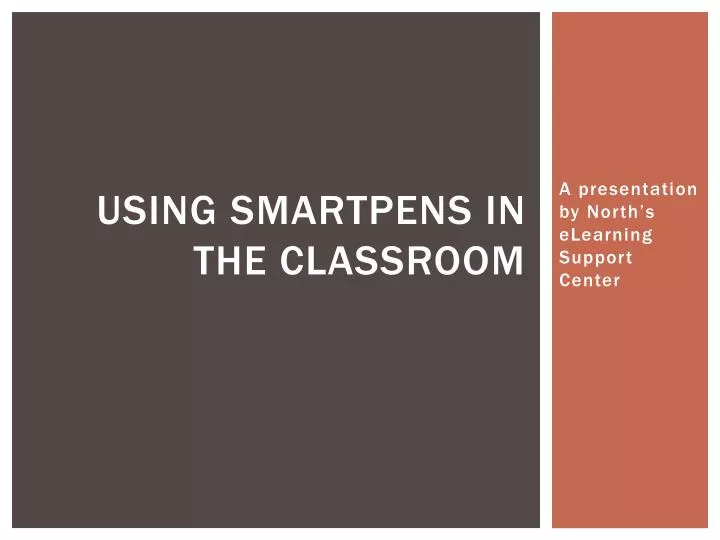
Using SmartPens in the Classroom A presentation by North’s eLearning Support Center
What Does A SmartPen do? • Captures audio(up to 100 Hours!) • Connects audio with written notes • Recalls audio specific to a note • Downloads to your computer and the web.
The pencast • A recording of notes synced with audio • Publishable • Public • Private • Restricted Access • Shareable • Anybody can make one about anything!
In Closing • Smartpens are available for checkout • 1 in the TLC • 3 in eLearning • Questions?




More Related