Download
1 / 10
100 likes | 227 Vues
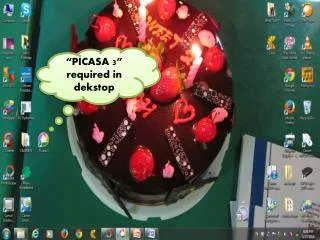
Learn how to add and edit text in Picasa 3 for your images. Start by selecting the "PICTURE" option and then click "EDIT IN PICASA." Once in the editing mode, select "TEXT" and enter your desired text in the blank box. Customize your text by choosing the font, color, size, and alignment. After making all adjustments, click "APPLY" to save your changes. This guide provides a straightforward approach to enhancing your photos with personalized text.

E N D