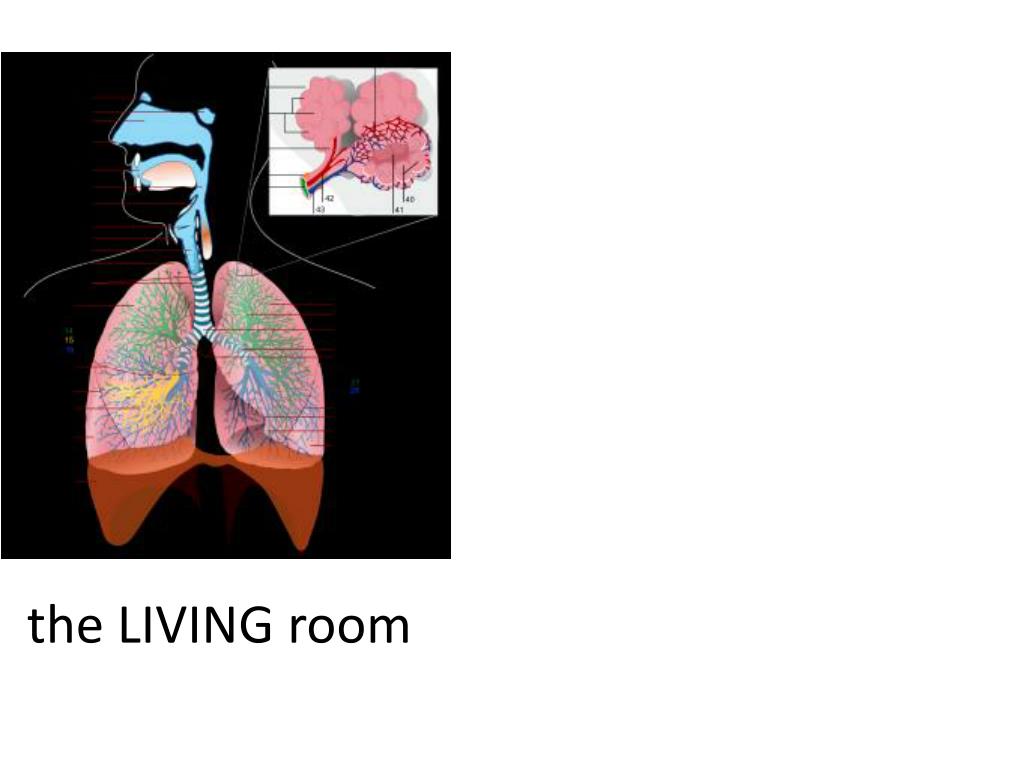
the LIVING room
SITE: 2 SPACES…
…SEPARATED BY A WALL
PROGRAM:A PASSAGE THAT DIS/CONNECTS 2 SPACES LIGHT SENSOR A LIGHT SENSOR B
MONITORING THE HEALTH OF THE ORGANISM AIR MOVEMENT
SETUP //pin 11,10,9,6,5,3 can be used for Analog output //Draft01 intavrageB=0; intavrageA=0; void setup(){ Serial.begin(9600); //Begining Serial Connection intfreqs[] = {1915, 1700, 1519, 1432, 1275, 1136, 1014, 956}; pinMode(13, OUTPUT);// Specify Arduino Pin number and output/input mode pinMode(12, OUTPUT); // Specify Arduino Pin number and output/input mode pinMode(11, OUTPUT); // Specify Arduino Pin number and output/input mode pinMode(10, OUTPUT); // Specify Arduino Pin number and output/input mode pinMode(9, OUTPUT); // Specify Arduino Pin number and output/input mode pinMode(6, OUTPUT); // Specify Arduino Pin number and output/input mode pinMode(5, OUTPUT); // Specify Arduino Pin number and output/input mode pinMode(8, OUTPUT); // Specify Arduino Pin number and output/input mode pinMode(2, OUTPUT); // Specify Arduino Pin number and output/input mode pinMode(4, INPUT); // Specify Arduino Pin number and output/input mode pinMode(0,INPUT); // Specify Arduino Pin number and output/input mode
CALIBRATING for (inti=0; i<20; i++){ avrageA=avrageA+analogRead(4); } avrageA=avrageA/20; for (inti=0; i<20; i++){ avrageB=avrageB+analogRead(0); } avrageB=avrageB/20; Serial.println("System Ready!"); }
…CONTINUED void loop(){ intinA = analogRead(4);// Reading Sensed data from Arduino intinB = analogRead(0);// Reading Sensed data from Arduino //Serial.println(inA);// Writing Sensed Data to Serial Port //Serial.println(inB);// Writing Sensed Data to Serial Port //Serial.println("....."); //delay(1000);
LIGHT SENSOR B LIGHT SENSOR A
if(inA>avrageA/2 && inB>avrageB/2) { Serial.println("A is not Covered and B is not Covered"); analogWrite(11, 255); // sending Analog output 255 analogWrite(10, 100); // sending Analog output 200 analogWrite(9, 5); // sending Analog output 150 analogWrite(6, 0); // sending Analog output 100 analogWrite(5, 0); // sending Analog output 100 analogWrite(3, 0); // sending Analog output 100 delay(300); // Wait for half a second analogWrite(11, 100); // sending Analog output 255 analogWrite(10, 5); // sending Analog output 255 analogWrite(9, 0); // sending Analog output 150 analogWrite(6, 0); // sending Analog output 100 analogWrite(5, 0); // sending Analog output 100 analogWrite(3, 255); // sending Analog output 100 delay(300); // Wait for half a second analogWrite(11, 5); // sending Analog output 255 analogWrite(10, 0); // sending Analog output 255 analogWrite(9, 0); // sending Analog output 150 analogWrite(6, 0); // sending Analog output 100 analogWrite(5, 255); // sending Analog output 100 analogWrite(3, 100); // sending Analog output 100 delay(300); digitalWrite(12,HIGH); delay(200); // Wait for half a second digitalWrite(12,LOW); delay(300); // Wait for half a second analogWrite(11, 0); // Sending Analog output 150 analogWrite(10, 0); // Sending Analog output 150 analogWrite(9, 0); // sending Analog output 150 analogWrite(6, 255); // sending Analog output 100 analogWrite(5, 100); // sending Analog output 100 analogWrite(3, 5); // sending Analog output 100 delay(300); // Wait for half a second analogWrite(11, 0); // Sending Analog output 50 analogWrite(10, 0); // Sending Analog output 150 analogWrite(9, 255); // sending Analog output 150 analogWrite(6, 100); // sending Analog output 100 analogWrite(5, 5); // sending Analog output 100 analogWrite(3, 0); // sending Analog output 100 delay(300); // Wait for half a second analogWrite(11, 0); // sending analog output 0 analogWrite(10, 255); // sending analog output 0 analogWrite(9, 100); // sending Analog output 150 analogWrite(6, 5); // sending Analog output 100 analogWrite(5, 0); // sending Analog output 100 analogWrite(3, 0); // sending Analog output 100 delay(300); digitalWrite(2,HIGH); delay(200); // Wait for half a second digitalWrite(2,LOW);
LIGHT SENSOR B LIGHT SENSOR A
if(inA<avrageA/2 && inB>avrageB/2) { Serial.println("A is Covered and B is not Covered"); analogWrite(11, 255); // sending Analog output 255 analogWrite(10, 0); // sending Analog output 200 analogWrite(9, 0); // sending Analog output 150 analogWrite(6, 0); // sending Analog output 100 analogWrite(5, 0); // sending Analog output 100 analogWrite(3, 10); // sending Analog output 100 delay(300); // Wait for half a second analogWrite(11, 10); // sending Analog output 255 analogWrite(10, 0); // sending Analog output 255 analogWrite(9, 0); // sending Analog output 150 analogWrite(6, 0); // sending Analog output 100 analogWrite(5, 0); // sending Analog output 100 analogWrite(3, 255); // sending Analog output 100 delay(300); // Wait for half a second analogWrite(11, 0); // sending Analog output 255 analogWrite(10, 0); // sending Analog output 255 analogWrite(9, 0); // sending Analog output 150 analogWrite(6, 0); // sending Analog output 100 analogWrite(5, 255); // sending Analog output 100 analogWrite(3, 10); // sending Analog output 100 delay(300); digitalWrite(12,HIGH); delay(200); // Wait for half a second digitalWrite(12,LOW); // Wait for half a second analogWrite(11, 0); // Sending Analog output 150 analogWrite(10, 0); // Sending Analog output 150 analogWrite(9, 0); // sending Analog output 150 analogWrite(6, 0); // sending Analog output 100 analogWrite(5, 0); // sending Analog output 100 analogWrite(3, 255); // sending Analog output 100 delay(300); // Wait for half a second }
LIGHT SENSOR B LIGHT SENSOR A
if(inA>avrageA/2 && inB<avrageB/2) { Serial.println("A is not Covered and B is Covered"); analogWrite(11, 0); // sending Analog output 255 analogWrite(10, 255); // sending Analog output 200 analogWrite(9, 10); // sending Analog output 150 analogWrite(6, 0); // sending Analog output 100 analogWrite(5, 0); // sending Analog output 100 analogWrite(3, 0); // sending Analog output 100 delay(300); // Wait for half a second analogWrite(11, 0); // sending Analog output 255 analogWrite(10, 10); // sending Analog output 255 analogWrite(9,255); // sending Analog output 150 analogWrite(6, 0); // sending Analog output 100 analogWrite(5, 0); // sending Analog output 100 analogWrite(3, 0); // sending Analog output 100 delay(300); // Wait for half a second analogWrite(11, 0); // sending Analog output 255 analogWrite(10, 0); // sending Analog output 255 analogWrite(9, 10); // sending Analog output 150 analogWrite(6, 255); // sending Analog output 100 analogWrite(5, 0); // sending Analog output 100 analogWrite(3, 0); // sending Analog output 100 delay(300); // Wait for half a second digitalWrite(2,HIGH); delay(200); // Wait for half a second digitalWrite(2,LOW); analogWrite(11, 0); // Sending Analog output 150 analogWrite(9, 255); // sending Analog output 150 analogWrite(6, 0); // sending Analog output 100 analogWrite(5, 0); // sending Analog output 100 analogWrite(3, 0); // sending Analog output 100 delay(300); // Wait for half a second }
LIGHT SENSOR B LIGHT SENSOR A
CONSIDER… GAINING AWARENESS OF THE BREATHING OF A SPACE
SITE: 2 SPACES…
…SEPARATED BY A WALL