
SlideServe
Menu
Préférences
© SlideServe · v2026

Water Bottle Template

niveditha avatar
2 diapositives · 1.2K Views · Oct 15, 2010

Water Bottle Template

Water Bottle Template - slide 1
01 / 2Water Bottle Template
1 / 17

Télécharger la présentation

Water Bottle Template
Une image / un lien ci-dessous est fourni (tel quel) pour télécharger la présentation

Politique de téléchargement : le contenu du site vous est fourni TEL QUEL pour votre information et votre usage personnel ; il ne peut être vendu, concédé sous licence ni partagé sur d’autres sites sans l’accord de son auteur.Le contenu vous est fourni TEL QUEL, pour votre information et votre usage personnel uniquement. Téléchargez la présentation en cliquant sur ce lien. Lors du téléchargement, si vous ne parvenez pas à télécharger une présentation, l’éditeur a peut-être supprimé le fichier de son serveur.Pendant le téléchargement, si vous ne parvenez pas à obtenir une présentation, le fichier a peut-être été supprimé par l’éditeur.

F I N

Plus de contenu associé

Transcription de la présentation
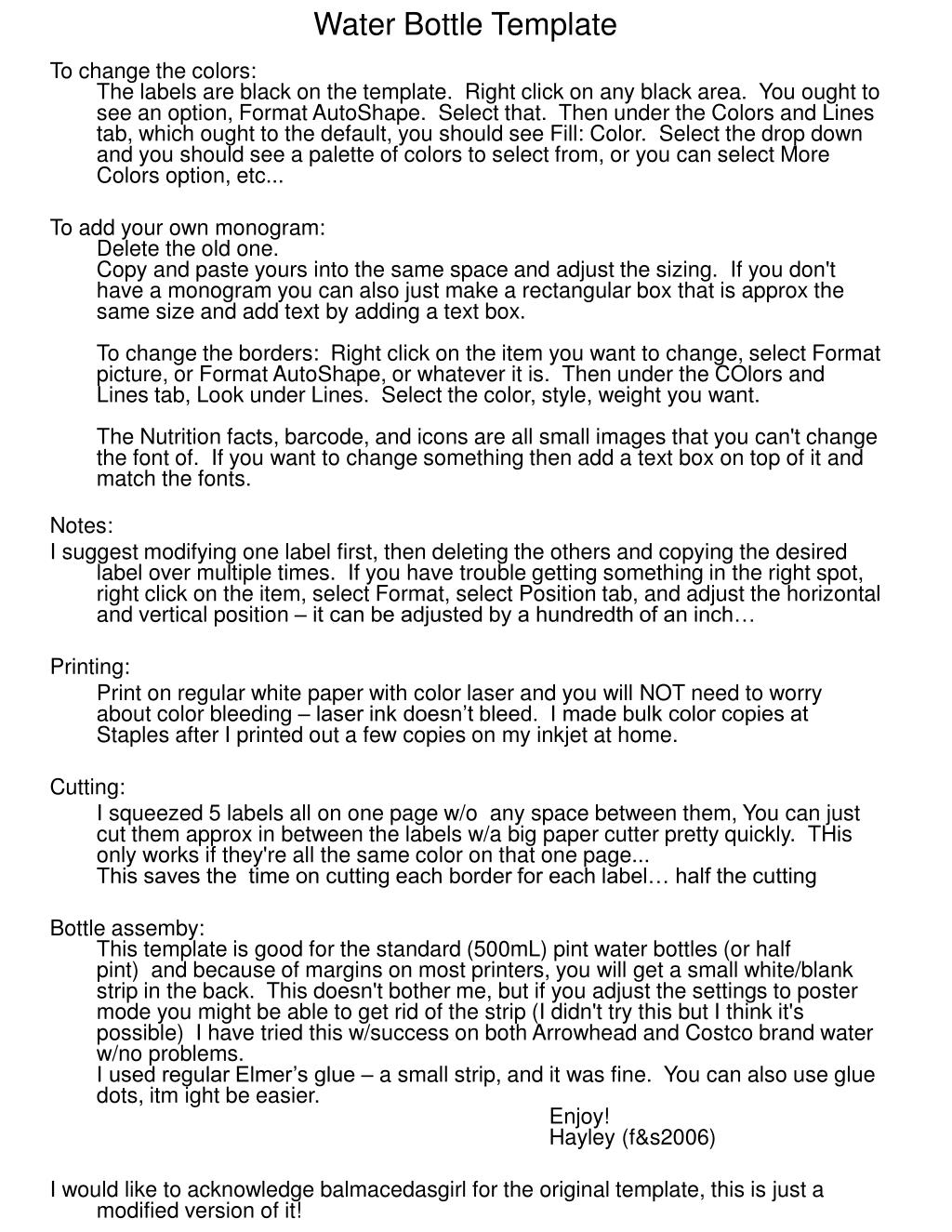
  1. Water Bottle Template To change the colors:The labels are black on the template.  Right click on any black area.  You ought to see an option, Format AutoShape.  Select that.  Then under the Colors and Lines tab, which ought to the default, you should see Fill: Color.  Select the drop down and you should see a palette of colors to select from, or you can select More Colors option, etc... To add your own monogram:Delete the old one.Copy and paste yours into the same space and adjust the sizing.  If you don't have a monogram you can also just make a rectangular box that is approx the same size and add text by adding a text box. To change the borders:  Right click on the item you want to change, select Format picture, or Format AutoShape, or whatever it is.  Then under the COlors and Lines tab, Look under Lines.  Select the color, style, weight you want.  The Nutrition facts, barcode, and icons are all small images that you can't change the font of.  If you want to change something then add a text box on top of it and match the fonts.  Notes: I suggest modifying one label first, then deleting the others and copying the desired label over multiple times. If you have trouble getting something in the right spot, right click on the item, select Format, select Position tab, and adjust the horizontal and vertical position – it can be adjusted by a hundredth of an inch… Printing: Print on regular white paper with color laser and you will NOT need to worry about color bleeding – laser ink doesn’t bleed. I made bulk color copies at Staples after I printed out a few copies on my inkjet at home. Cutting: I squeezed 5 labels all on one page w/o any space between them, You can just cut them approx in between the labels w/a big paper cutter pretty quickly.  THis only works if they're all the same color on that one page... This saves the time on cutting each border for each label… half the cutting Bottle assemby:This template is good for the standard (500mL) pint water bottles (or half pint)  and because of margins on most printers, you will get a small white/blank strip in the back.  This doesn't bother me, but if you adjust the settings to poster mode you might be able to get rid of the strip (I didn't try this but I think it's possible)  I have tried this w/success on both Arrowhead and Costco brand water w/no problems.  I used regular Elmer’s glue – a small strip, and it was fine. You can also use glue dots, itm ight be easier. Enjoy!  Hayley (f&s2006) I would like to acknowledge balmacedasgirl for the original template, this is just a modified version of it!

  2. H & R April 8, 2006 04-08-2006 Enjoy! Love, Bride and Groom H & R April 8, 2006 04-08-2006 Enjoy! Love, Bride and Groom H & R April 8, 2006 04-08-2006 Enjoy! Love, Bride and Groom H & R April 8, 2006 04-08-2006 Enjoy! Love, Bride and Groom H & R April 8, 2006 04-08-2006 Enjoy! Love, Bride and Groom