Download
1 / 13
130 likes | 247 Vues
Welcome to the eSlate training module! In this informative session, you'll learn how to set up your eSlate voting booths effectively, including a video demonstration on assembling booth legs. Instructions are conveniently located on each booth leg and in your Desk Reference. We’ll cover the cable-to-booth connection, ensuring correct setup without force. Additionally, this module includes crucial steps for opening the polls, starting the reconciliation log, and operating the JBC (Judging Ballot Counter) menu for efficient polling. Let's ensure a smooth voting experience!

E N D
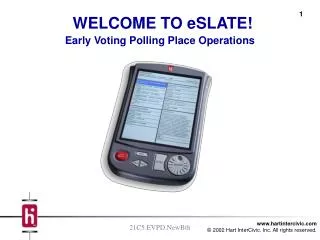
Early Voting Polling Place Operations WELCOME TO eSLATE! 21C5.EVPD.NewBth
SETTING UP eSLATE BOOTHS • Watch the video for a demonstration on how to set up the booth legs • The instructions for setting up the booth are on the booth leg and in your Desk Reference
CABLE-TO-BOOTH CONNECTION • The eSlate cable-to-booth connection will only fit one way. • Please do not force.
OPENING THE POLLS Module 3 Module Content Opening the Polls Method of Instruction Slideshow, the desk reference, and hands-on experience • Exercise • Open the polls. Start the Reconciliation Log.
LAYOUT OF THE JBC • The JBC is “menu driven,” which means it is operated by entering information using the menu choices on the screen.
OPENING THE POLLS 1.) 2.)
OPENING THE POLLS 3.) 4.)
OPENING THE POLLS 5.) 6.)
OPENING THE POLLS 7.) JBC Reconciliation log 8.) KM 0 10/19/02
OPENING THE POLLS 9.) 10.) Tear off the reports and file in the appropriate envelope.
OPENING THE POLLS 11.) 12.)