Creating an Account on .NetTrekker: Step-by-Step Guide for Login and Sign-Up
90 likes | 206 Vues
This guide provides a detailed walkthrough for creating an account on .NetTrekker via learnport.org. Users will learn how to select login or sign-up options, choose the appropriate category and organization, identify their district and building from an expanded list, and complete the necessary forms. Following this process will ensure a successful account creation, allowing users to access valuable resources. Complete the form by only filling out the required fields and clicking submit to finalize account setup and access your tools seamlessly.


Creating an Account on .NetTrekker: Step-by-Step Guide for Login and Sign-Up
E N D
Presentation Transcript
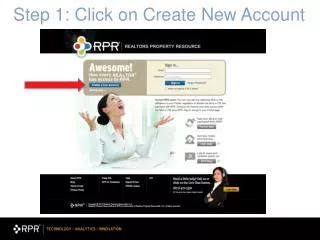
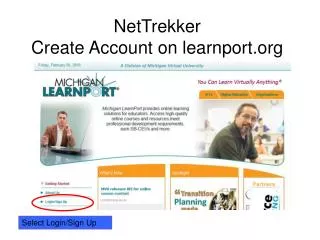
NetTrekkerCreate Account on learnport.org Select Login/Sign Up
Identify District & Building Select Expand for a list of buildings. Click Select once you’ve identified your building.
You do not need to complete Click Submit