Manage Your Review Cycle: Creation, Activation, and Cancellation Steps
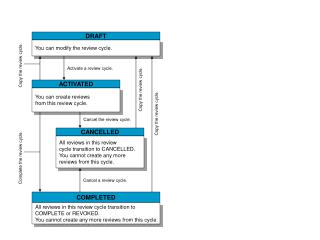
This guide provides an overview of managing your review cycles effectively. You have the ability to modify, activate, and cancel reviews within a cycle. You can transition reviews to various statuses, including DRAFT, ACTIVATED, CANCELLED, or COMPLETED. Once a cycle is marked as COMPLETED or CANCELLED, you cannot create any new reviews from that cycle. Additionally, learn how to copy a review cycle for your convenience. Streamline your review process with these essential steps and maintain an organized workflow.

Manage Your Review Cycle: Creation, Activation, and Cancellation Steps
E N D
Presentation Transcript
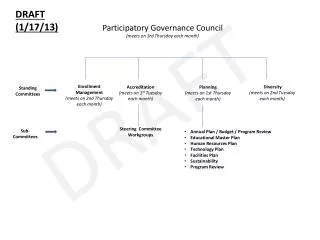
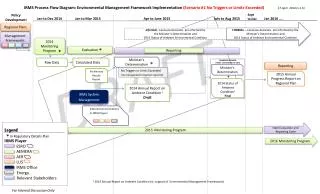
DRAFT You can modify the review cycle. ACTIVATED You can create reviews from this review cycle. CANCELLED All reviews in this review cycle transition to CANCELLED. You cannot create any more reviews from this cycle. COMPLETED All reviews in this review cycle transition to COMPLETE or REVOKED. You cannot create any more reviews from this cycle. Copy the review cycle. Activate a review cycle. Copy the review cycle. Copy the review cycle. Cancel the review cycle. Complete the review cycle. Cancel a review cycle.