Download
1 / 12
120 likes | 239 Vues
This guide provides a comprehensive overview of how to effectively store and analyze data using lists on the TI-84 calculator. Learn how to navigate the 2ND and QUIT commands to exit unwanted menus and clear errors. We’ll show you how to reset all RAM to clear previous data before starting new analyses. Step-by-step instructions will guide you on entering data into lists, calculating statistics, and even erasing lists when needed. Master these techniques to simplify your data analysis tasks!

E N D
TI-84 Lists of Data Store the data values to be analyzed using statistical techniques
2ND QUIT is an important command • First a word about 2ND QUIT: • 2ND QUIT gets you out of unwanted menus • 2ND QUIT clears some errors that CLEAR won’t • 2ND QUIT is so useful, they made it easy to type. • Press 2ND at top left • and next door to it, press the MODE key
Completely Clear Out Your Calculator • “Reset all RAM” • Why do this? • A cheap and easy way to clear out all lists of data that might be leftovers from previous work • Whenever some error is happening and you suspect it’s due to some leftover junk • Always at the beginning of an exam in this course • A gigantic erase that resets everything
How to “Reset All RAM” • 2ND • MEM (on the + key) • 7:Reset… • 1:All RAM… • 2:Reset
How to put data into a list • STAT • 1:Edit… • List namesL1, L2, L3 (and more beyond that) • The cursor is in the first cell of list L1
Put in these values • Put the values 100, 90, 85, 80, 75, 70, 65, 60, 0 into list L1. • Type the numbers, pressing ENTER after each • Notice that L1(10) at bottom means that your cursor is at position #10 in list L1.
Put in these values • Press right arrow to jump into list L2 • Put the values -20, 0, 15, 40, 55, 45 into list L2. • Cursor up and changethe 40 to a 44. • Use 2ND QUIT if youwanted to escape the list editor and return to the Home Screen.
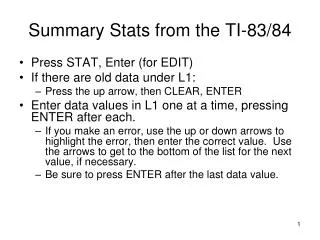
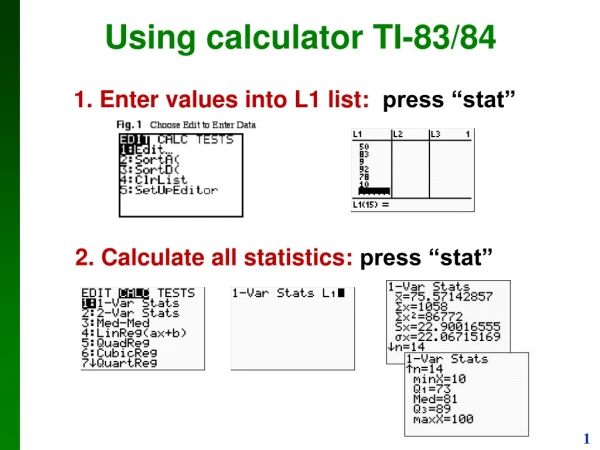
Calculate some statistics for list L1 • STAT • CALC submenu • 1:1-Var Stats • ENTER • ∑x=625 is the sum of all the values in list L1 (Greek letter ∑ , capital “sigma”) • N=9 is the count of how many data values are in list L1. Other lines’ meanings coming soon.
Calculate some statistics for list L2 • STAT, CALC, 1:1-Var Stats again • But do not hit ENTER yet! • 2ND 2 puts list name L2 into the command • The full command should say 1-Var Stats L2 • Then ENTER • When we did 1-Var Statswithout a list name,it defaulted to list L1.
Erase List L1 • STAT, 1:Edit… again • Move cursor on top of the L1 list name • Press CLEAR. • Press Down Arrow. Observe – it’s now empty.
Another way to erase a list • List L2 could be erased the same way • But let’s learn another way to erase a list • STAT, 4:ClrList • 2ND 2 to put list name L2 into the command • ENTER
Clearing more than one list at a time • Suppose we wanted to clear lists L2 and L3 both in a single command • After 2ND 2 to put list L2 into the command… • … comma 2ND 3 to put list L3 into the command, too • Then ENTER • (also ClrAllLists in theTI-84 “Catalog”.)