Download
1 / 4
40 likes | 155 Vues
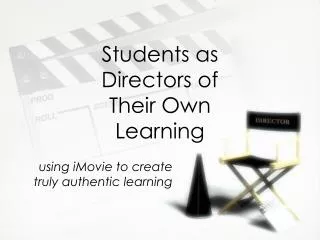
Join us for an exciting iMovie workshop designed to unleash your creativity! Bring your 15 minutes of rough footage and get ready to explore the powerful features of iMovie. You'll learn to download video from your camcorder, arrange clips using a storyboard, and apply special effects. Don't hesitate to experiment with transitions and titles! Additionally, we’ll discuss how iMovie can enhance classroom instruction and student learning. Make sure to come prepared for a fun and engaging experience!

E N D
Instruction and Technology: iMovie Workshop October 29, 2009
Come ready for iMovie madness! • You have 15 minutes of rough footage • You will explore iMovie today. Be fearless about trying all software application special effects • Have creative fun!
Today’s iMovie workshop activities • Mac basics Help = Go to iMovie/iMovieHelp/Learn about iMovie. • Select iMovie icon, give project a name, and save to desktop or to your H drive. • Download movie from camcorder to Mac. Return the DVD cassette tape when you have downloaded you movie. Make sure camcorders are turned off, and returned to MISL counter. • Use video storyboard to arrange video clips into tray. • Share option of integrating photos into iMovie. • Edit movie clips – where to start/stop clips. • Create title and credits. • Explore transition types and special effects. • Share GarageBand music effects as time allows. • Share iPhoto basics as time allows. • Save to H drive (could burn to DVD from H drive at later time).
Next class session • Consider uses in the classroom for instruction or strategies for student learning • How might you meaningfully use iMovie in a unit plan lesson activity?