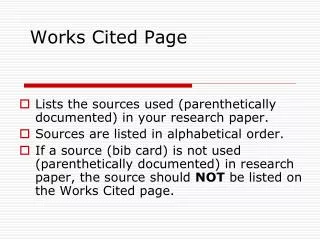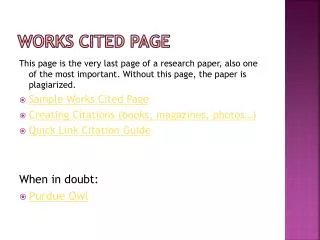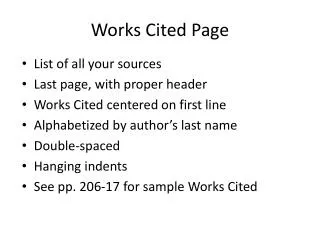
NoodleBib Create a Works Cited Page
230 likes | 335 Vues
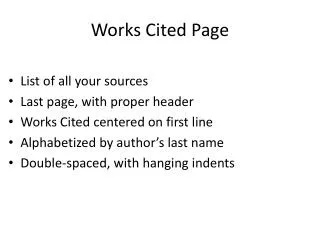
Learn how to create a Works Cited page using NoodleBib. Begin by selecting the appropriate citation style as advised by your teacher. Name your project to keep your work organized, and then choose the type of source you wish to cite from a drop-down menu. Fill in the required author fields and check your spelling. Utilize helpful prompts to ensure accuracy. Review your citations for errors, make necessary edits, and format your paper correctly before exporting your document. Follow these steps for a seamless citation process!


NoodleBib Create a Works Cited Page
E N D
Presentation Transcript
What kind of source are you going to cite? Choose the best matchfrom the drop-down menu
Answer the questions about your source
Author’s first name Author’s last name(or the name of an organization)
Check your spelling Ignore the Annotation section