Download
1 / 10
100 likes | 226 Vues
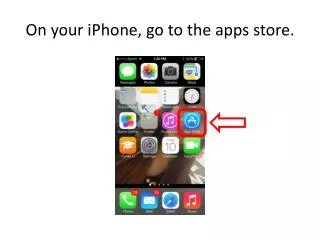
This step-by-step guide helps you download and access books using the Follett Enlight app on your iPhone. Start by opening the App Store and searching for "Follett Enlight." Students can log in using their student ID as the username and their last name as the password. Teachers should use their 5x2 for the username and employee number for the password. Visit Memorial MS's URL wbb08462 to search for books by title or author, check them out, and download them easily. Enjoy reading!

E N D
Student username is their student ID,student password is their last name,teacher username is their 5x2,teacher password is their employee number,Memorial MS’sURL is wbb08462.