Download
1 / 26
260 likes | 382 Vues
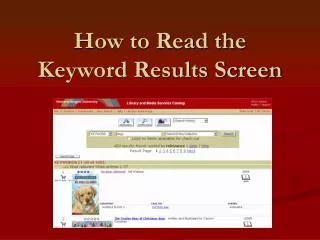
This guide explains how to navigate the keyword search results screen effectively. When you perform a keyword search, the results display various titles ranked by relevancy, such as "Most Relevant," "Highly Relevant," and more. Each entry includes crucial details like the book's cover, rating by the community, and availability status. You'll also learn how to add items to your book cart, view specific records, and see related items through call numbers. Enhance your search experience and find exactly what you need efficiently!

E N D
rates how relevant your titles are to your search. Very relevant titles Most relevant titles Highly relevant titles Relevant titles Other relevant titles
Related Slideshows • Searching by Advanced Keyword • Anatomy of a Record • Using the Book Cart