Download

1 / 7
70 likes | 172 Vues
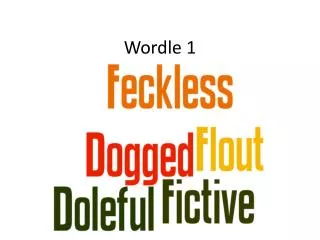
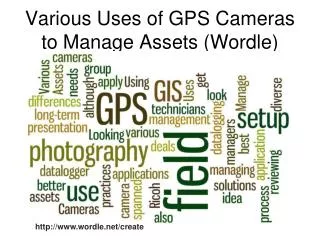
Discover how to create personalized Wordle word clouds using the free online program at http://www.wordle.net/. No membership is required to save your creations! Follow these simple steps: 1) Take a screenshot of your Wordle (Ctrl + Print Screen), then open a Word document and paste it (Ctrl + V). 2) Crop the image to display only the word cloud. 3) Give your word cloud a title and include your name. Enjoy this engaging activity during your July break, and share your creations with friends!

E N D
How to create yours… Create your own wordle word clouds by using the Wordle program online http://www.wordle.net/ You don’t have to become a member to save yours. Follow the instructions below… • Take a screenshot of your wordle (Ctrl + Print Scrn) , open up a word document and paste (Ctrl + V) • Crop the picture so that only the wordle word cloud shows (get rid of the address bar etc) • Give your word cloud a title and don’t forget to type your name!