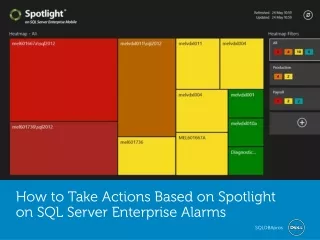
How to Take Actions Based on Spotlight on SQL Server Enterpr
Download Spotlight on SQL Server (http://software.dell.com/sqlserveralarms) to set up custom alerts for crisis level or unusual activity.
Managing SQL Server requires performing many tasks, including maintenance and monitoring. Maintenance can be scheduled and performed via jobs, but monitoring takes some human touch to: ensure real issues are addressed and ignore non-critical items until all crises items are solved. Monitoring SQL Server can be taxing, unless you set up a system for doing so. In order to have a proper monitoring system you need to identify what needs to be monitored, how you are alerted and what items are critical. Spotlight on SQL Server allows you to set up custom alerts for crisis level or unusual activity. An example might be when a CPU runs at 90% for more than five minutes during business hours. You can dictate what you what to be alerted about, whether you are alerted or what alternative actions to take, and when the item is deemed critical.
★
★
★
★
★
228 views • 6 slides