Download
1 / 13
130 likes | 258 Vues
Welcome to the Bonaqua registration process! To get started, please visit our website and click on "Register." Select your "Customer Type" and provide your "Outlet number" and "Phone number." Carefully read our "Statement" and "Terms & Conditions," then click "Accept" to proceed. Input your email address and click "Submit." A confirmation link will be sent to your email; please check your inbox to activate your account. After 5 seconds, you will be redirected to the login page where you can access your account using your Login name and Password provided in the email.

E N D
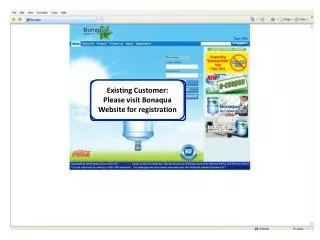
Existing Customer: Please visit Bonaqua Website for registration
Please read the “Statement” carefully and click “Accept” to continue.
Please read the “Terms & Conditions” carefully and click “Accept” to continue.
12345 21234567 Please input email address and click “Submit” to continue the process.
12345 Please press “Confirm” to continue.
An activation link will be sent to your registered email address. Please check email.
Please wait for 5 seconds for auto redirect to our login page
Please input “Login name” & “Password” to access your account For “Login name” & “Password”, please refer to email.