Biomechanical Data Report Preparatory Steps
Learn how to prepare report data using a series of steps involving primary data processing, trajectory identification, gap filling, advanced data processing, and model calculations with the GOLEM model. Detailed instructions for connecting trajectories and filling gaps.

Biomechanical Data Report Preparatory Steps
E N D
Presentation Transcript
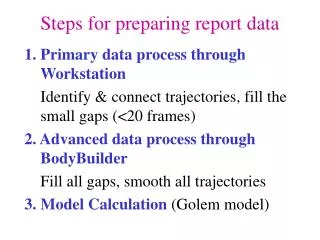
Steps for preparing report data • Primary data process through Workstation • Identify & connect trajectories, fill the small gaps (<20 frames) • 2. Advanced data process through BodyBuilder • Fill all gaps, smooth all trajectories • 3. Model Calculation (Golem model)
Summary of the steps for the calculation of biomechanical parameters using GOLEM model • Copy model parameter (*.mp), model (*.mod) and marker (*.mkr) files into your folder. It is recommended that Golem.mp file should at least be renamed by using subject name. • Open a static trial in BodyBuilder. • Go to Model->Subject Settings. Connect the three files (*.mp, *.mod, *.mkr) to the static trial. • Check the "Static" tick box in the upper right hand corner.
Summary of the steps for the calculation of biomechanical parameters using GOLEM model • Go to Model->View Parameters. Enter subject anthropometrical parameters such as leg length, etc. • Go to Model->Run Model. You should see some extra trajectories appear in the space. • Save the *.mp file (it is not necessary to save the *.c3d but you can). You will be prompted for each when you try to close the window. • Open the dynamic trial.
Summary of the steps for the calculation of biomechanical parameters using GOLEM model • Go to Model->Subject settings. Verify the correct files are still selected. • Make sure that the "Static" box is not ticked. • Go to Model->Run Model. Trajectories will appear. • Save and take to Polygon for making an electrical report.