Exploring Linked Lists: Code Modification and Function Development
In today's class, you'll dive into linked lists by modifying a given code to insert nodes with values "4" at the beginning and "5" at the end. You'll need to run the code in Eclipse to verify your solutions. Additionally, understand the structure of ListNode objects and their pointers. There's a special focus on debugging, especially with the functions addZeroAsSecondElement and addZeroAsFirstElement. Moreover, you'll implement the generateList function to create a list with n nodes. Ensure your solutions work for varying list lengths before submitting via Ambient.

Exploring Linked Lists: Code Modification and Function Development
E N D
Presentation Transcript
Linked Lists As you arrive…please snarf today’s classwork
The Code Handout • What is the output of this code? Write A-F on the sheet. • Once you have answered the questions, run the code itself in Eclipse and verify your answer. If you got any wrong, figure out where you went wrong. • The nodes (beginning with NodeX) make a list. Modify the code to add a node with data “4” to the beginning of the list and a node with data “5” to the end of the list
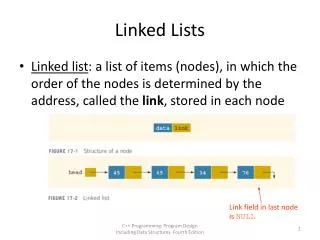
publicclassListNode { publicintdata; publicListNodenext; } Each ListNode object has a next pointer that either points to null or to the next element in the list. head Data: 5 Next: Data: 77 Next: Data: 2 Next: null
The Code Reprise • If you haven’t yet: the nodes (beginning with NodeX) make a list. Modify the code to add a node with data “4” to the beginning of the list and a node with data “5” to the end of the list • Try to write the function generateList. generateList should generate a list of n nodes, each with value. It should return a pointer to the node at the head of the list.
Mysterious Code • The function addZeroAsSecondElement works, but the function addZeroAsFirstElement is broken. Figure out why if you can and fix it. • OR (if you get stuck or finish)…write addZeroAsThirdElement. Be sure your code works with lists of length 0-3 elements. • When you are finished, submit your code via Ambient