Mastering Scrum Development with Microsoft: A Comprehensive Guide
Join Doncho Angelov, Developer Evangelist at Microsoft Bulgaria, for an in-depth session on Scrum development practices using Microsoft tools. This webinar covers Scrum fundamentals, backlog item management, sprint planning, reporting techniques, and sprint retrospectives. Gain insights into the roles of the Product Owner, Scrum Master, and team members, while exploring tools like burndown charts. Optional resources include a demo environment setup and links to Scrum templates. Perfect for teams looking to enhance their Agile practices.

Mastering Scrum Development with Microsoft: A Comprehensive Guide
E N D
Presentation Transcript
Team Development with Microsoft Scrum 1.0 Doncho Angelov Developer Evangelist Microsoft Bulgaria
Agenda • SCRUM – quick overview • SCRUM and TFS • Backlog items • Sprint management • Reporting • Sprint Retrospective • Q&A
How to setup the demo environment? (Optional) VS 2010 RTM Virtual Machine: http://bit.ly/VS2010RTMVHD Scrum V1.0 Process Template: http://visualstudiogallery.msdn.microsoft.com/en-us/59ac03e3-df99-4776-be39-1917cbfc5d8e
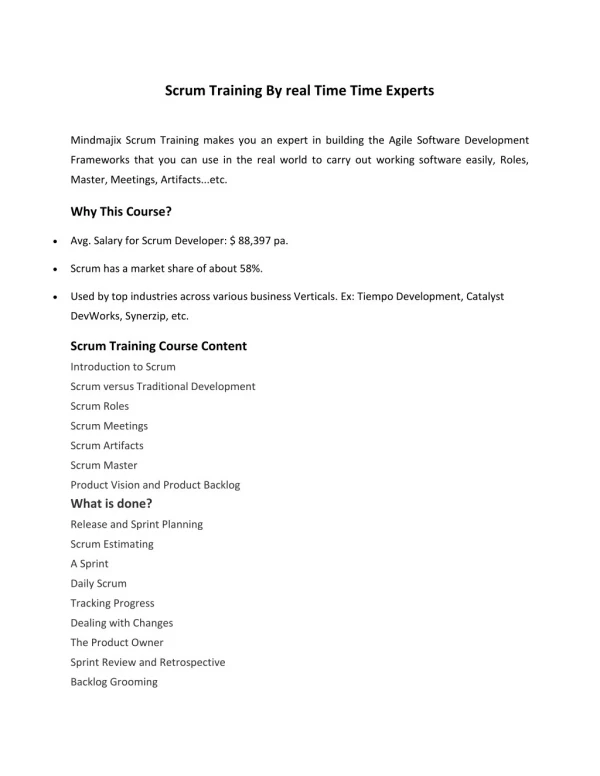
Scrum Overview & Terms • Chicken and Pig Roles • Meetings • Sprint • 2-5 week milestone • Product Backlog • Collection of features or scenarios required to release • Sprint Backlog • Collection of work items required to deliver Sprint goals • Teamlet • Collection of team members on Scrum team working towards a Sprint deliverable • Burndown Chart • Tool for Scrum team to track progress. Shows how the work remaining is reducing over time toward zero. • Retrospective • Team provides data: What went well? What didn’t go well? What could be changed for next time?
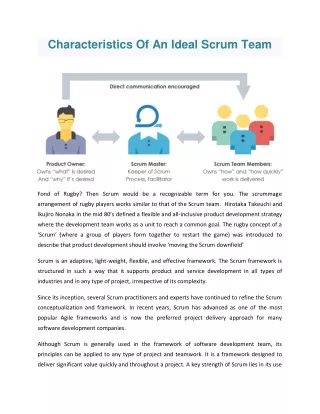
Roles Ceremonies Artifacts • Product owner • Scrum Master • Team • Release planning • Sprint planning • Daily scrum meeting • Sprint review • Sprint retrospective • Product backlog • Sprint backlog • Burndown charts The Scrum Framework Which contributes to these TFS facilitates these And helps them
Product Backlog • Requirements / Defects • A list of all desired work on the project(Product Backlog Item = Story) • Ideally expressed such that each item has value to the users or customers of the product • Prioritized by the product owner in collaboration with team. • Reprioritized on an ad-hoc basis (typically done prior to Sprint Planning and does not affect current Sprint) Product Backlog
Product Backlog Item Represents a user story or defect that has a business value
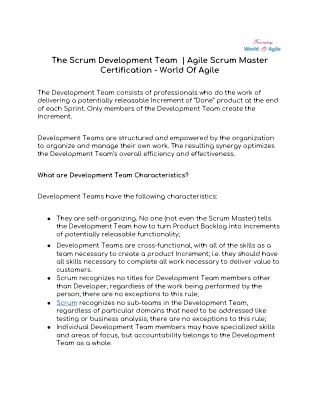
Sprint Backlog Sprint Backlog • Individuals sign up for work of their own choosing • Work is never assigned by any individual • Estimated work remaining is updated daily
Sprint Backlog Item Represents a task that a team member will perform to assist the team in completing a story(Product Backlog Item)
SCRUM vs Agile template comparison(Work item Types) From bharry’s blog: http://bit.ly/bvqGJn Work item types
SCRUM vs Agile template comparison(Item States) Product Backlog Item and Bug Work Items Task Work Item Impediment Work Item
SCRUM vs Agile template comparison(New Reports) • Release Burndown– Indicates how quickly the team is completing work and delivering Product Backlog Items • Velocity– Indicates the amount of effort the team is completing in each sprint • Sprint Burndown– Indicates the team's progress towards completing its work for a sprint
Sprint Burndown Chart Can be used in the daily stand up
Tips & Tricks For experimenting with TFS Reporting
Force Warehouse Update Source: http://www.ewaldhofman.nl/post/2009/11/25/Refresh-the-TFS-Warehouse-manually.aspx
Sprint Retrospective Captured in the customized Sprint work item
Resources (Optional) VS 2010 RTM Virtual Machine: http://bit.ly/VS2010RTMVHD Scrum V1.0 Process Template: http://visualstudiogallery.msdn.microsoft.com/en-us/59ac03e3-df99-4776-be39-1917cbfc5d8e
Q&A Doncho Angelov doncho.angelov@microsoft.com http://blog.doncho.net (BG & EN) @doncho
Please fill the questionnaire ! You have a chance to win: Sponsored by: