Download
1 / 2
30 likes | 150 Vues
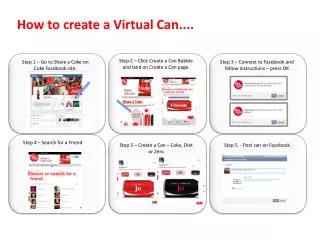
Discover how to create a personalized virtual Coke can through the Share a Coke campaign on Facebook. Start by navigating to the Share a Coke page on Facebook. After connecting your account, follow the simple instructions to create a unique can featuring a friend’s name. Choose from Coke, Diet Coke, or Coke Zero and share it on your wall. Once you’ve shared your virtual creation, find out if your name or your friend's will appear on actual Coke bottles. Join the fun and share your love for Coca-Cola!

E N D
How to create a Virtual Can.... Step 2 – Click Create a Can Bubble and land on Create a Can page. Step 1 – Go to Share a Coke on Coke Facebook site. Step 3 – Connect to Facebook and follow instructions – press OK Step 4 – Search for a Friend Step 5 – Create a Can – Coke, Diet or Zero Step 5 - Post can on Facebook
When you have shared a virtual can – you can find out whether yours or your friends name will be on a real bottles