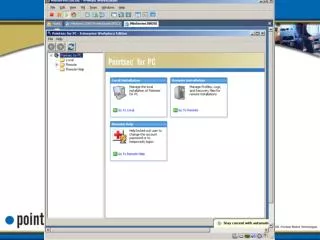
Overview of User Profiles and Installation Types in Pointsec for PC
310 likes | 426 Vues
This document provides a comprehensive overview of the various types of profiles used in the Pointsec for PC system, including Silent Installation, Interactive Installation, Update, and Uninstall profiles. It discusses user types such as Normal and Service accounts, along with their specific functionalities and access management. Moreover, it addresses the limitations of Update Profiles regarding adding encrypted volumes and changing encryption algorithms. Understanding these profiles is essential for effective system management and security.


Overview of User Profiles and Installation Types in Pointsec for PC
E N D
Presentation Transcript
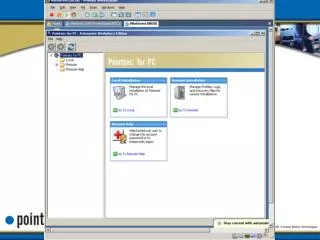
Types of Profiles • Silent installation profile • .isp • Interactive installation profile • .iip • Update profile • .upp • Uninstall profile • .unp
Update Profiles • Update Profiles also allow for the changing of any setting in the System Settings after the initial installation, with two exceptions: • You cannot use it to add additional encrypted volumes • You cannot change encryption algorithm
USER TYPES • User types • Normal • Service - service user must use Remote Help to gain access to the system the first time. After access is granted via Remote Help, the service user can reboot the system and log on without requiring Remote Help. When another user logs on, the service user account is locked, and the service user will need Remote Help to log on to log on again. • Temporary - When someone logs in using a temporary user account on a Pointsec for PC-protected computer, they are prompted for a new user account name and password.
Remote Help HelpDesk User