Order Entry in the Emergency Room
60 likes | 171 Vues
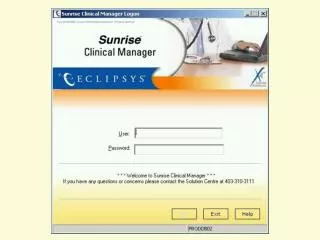
This guide outlines the procedure for entering orders in the Emergency Care Center (ECC) using the Standard and Hold order sessions in SCM. Standard order sessions are used for STAT orders that must be processed immediately, while Hold orders are for non-urgent requests that will be addressed upon patient arrival to the floor. It is essential to notify ECC staff about any orders entered and to utilize both order sessions as required. For additional inquiries, please contact beeper #1267.


Order Entry in the Emergency Room
E N D
Presentation Transcript
“Standard” order session • Orders are to be done in the ECC and are assumed to be STAT
“Hold” order Session • For non-urgent orders to be done when patient arrives on the floor
Hold orders to be released on the floor Icon for “Hold orders” will appear
Order Entry in ECC • You may need both a “standard” order session and a separate “hold” order session for an individual patient. • Please notify the ECC staff that you have entered orders in SCM. • If questions remain, please call beeper #1267.