Download
1 / 3
30 likes | 130 Vues
Today, we will dive into the world of photography and digital editing with a warm-up session. Students will log on to the Statesman platform, where four of you will showcase your creativity in the halls. The rest will learn about Adobe Bridge, its functionalities, and how it can enhance your photo editing skills. We will discuss what differentiates a great photo from an average one, using examples from “The Good, the Bad and the Ugly.” Additionally, we will prepare for the upcoming yearbook workshop on October 5th and focus on renaming photos for proper credit in the yearbook and news publication.

E N D
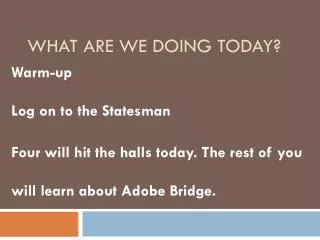
What are we doing today? Warm-up Log on to the Statesman Four will hit the halls today. The rest of you will learn about Adobe Bridge.
Good versus Great • What makes a great photo and what makes an “EH” photo. • The Good, the bad and the Ugly video. • Four from each class may hit the halls.
Using Adobe Bridge • Who will be attending the yearbook workshop on Saturday, October 5, at RRHS? • What is Adobe Bridge? • HELP! handout for using Adobe Bridge • You will rename your photo files for Hit Me With Your Best Shot so we can give you photo credit in the YB and NP.