Download
1 / 4
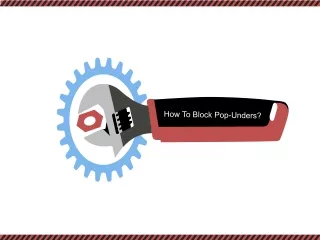
How To Block Pop-Unders?
40 likes | 61 Vues
This webpage illustrates on how to block pop-unders for various web browsers. It occurs based on the site you are visited. It's used for advertising purposes.<br>Source URL: https://mail-setup.com/how-to-block-pop-unders

Télécharger la présentation 
How To Block Pop-Unders?
An Image/Link below is provided (as is) to download presentation
Download Policy: Content on the Website is provided to you AS IS for your information and personal use and may not be sold / licensed / shared on other websites without getting consent from its author.
Content is provided to you AS IS for your information and personal use only.
Download presentation by click this link.
While downloading, if for some reason you are not able to download a presentation, the publisher may have deleted the file from their server.
During download, if you can't get a presentation, the file might be deleted by the publisher.
E N D
Presentation Transcript
Step 1: Launch the Google Chrome web browser on your computer. Step 2: Locate and click the blue wrench-shaped icon on the main screen of the browser, Step 3: Click the Options option followed by the under the hood label. Steps To Know
Step 4: Go to the Privacy section and click the Content Settings option. Step 5: Click the Pop-ups tab and enable the Do not allow any site to show pop-ups option. Source URL: https://mail-setup.com/how-to-block-pop-unders








More Related