
SlideServe
Menu
Préférences
© SlideServe · v2026

AlphaSmart

aboyd avatar
12 diapositives · 136 Views · Oct 24, 2019

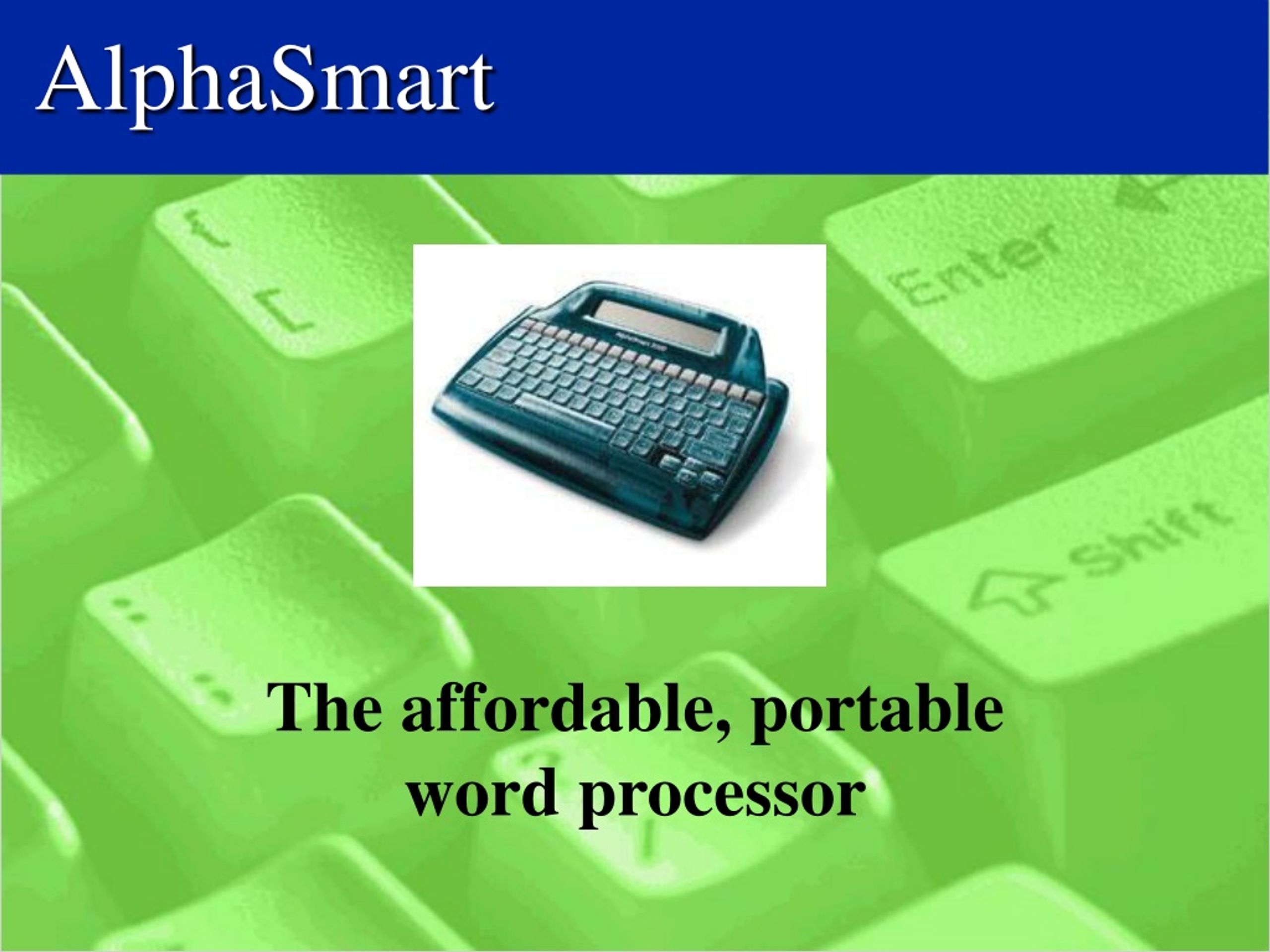
AlphaSmart is an affordable and portable word processor that offers easy reading, editing, and grading for increased student interaction, motivation, and success. It promotes increased pride, elaboration, fun, keyboarding and editing skills for everyone. With the necessary equipment and student participation, AlphaSmart can revolutionize your writing and editing process.
AlphaSmart - slide 1
1 / 12

Télécharger la présentation

AlphaSmart
Une image / un lien ci-dessous est fourni (tel quel) pour télécharger la présentation

Politique de téléchargement : le contenu du site vous est fourni TEL QUEL pour votre information et votre usage personnel ; il ne peut être vendu, concédé sous licence ni partagé sur d’autres sites sans l’accord de son auteur.Le contenu vous est fourni TEL QUEL, pour votre information et votre usage personnel uniquement. Téléchargez la présentation en cliquant sur ce lien. Lors du téléchargement, si vous ne parvenez pas à télécharger une présentation, l’éditeur a peut-être supprimé le fichier de son serveur.Pendant le téléchargement, si vous ne parvenez pas à obtenir une présentation, le fichier a peut-être été supprimé par l’éditeur.

F I N

Plus de contenu associé

Transcription de la présentation
  1. AlphaSmart The affordable, portable word processor

  2. What’s in it for me? • easy reading • easy to edit • easy grading • increased student interaction • increased student motivation • quiet time • few late papers

  3. What’s in it for them? • increased pride • more elaboration • fun • increased keyboarding skills • increased editing skills • success for everyone

  4. What you need... • the cart • paper • printer • printer cable • patience

  5. What they need... • participation • no brainstorming or rough draft, no working on the AlphaSmart

  6. First things first • Assign students a number, 1-30 • keep a list on the cart • have students come up a few at a time • have your first class use File 1 and so on

  7. Writing • press on, open file, and go • press the spell check button and correct • turn it off • saves automatically

  8. Editing • edit printed work individually • trade AlphaSmarts with another student and edit • print and edit

  9. Printing • Use the cable in the cart • plug it into the back of the printer and into PC • or point it at the laser printer • press print

  10. Hints • if low battery is seen, just plug in one of the AC adapters • place heading and title on left • hit Enter key to move to next line after heading, title, and paragraph • after the first student prints, they have to teach the next student • charge the top AlphaSmarts one day, the bottom the next

  11. Ideas and Support • http://www.alphasmart.com • http://www.esd113.wednet.edu/tip/resources/alpha98.htm • http://www.iteachnet.com/seth_sept.html • use the lessons provided

  12. That’s it!