SlideServe
Menu
Préférences
© SlideServe · v2026

Section 508 Procurement Training

abril avatar
25 diapositives · 400 Views · Sep 03, 2014

Join us for an engaging workshop on evaluating Section 508 compliance in procurement processes at California State University. Presented by Jon Brundage, this session will cover essential topics, including determining applicable Section 508 standards for various products, how to evaluate these products, and the use of the “Buy Accessible Wizard” tool. We will also discuss exemptions to compliance and the scenario of including students with disabilities in technology distribution. Enhance your procurement skills and ensure accessibility for all.
Section 508 Procurement Training - slide 1
01 / 25Section 508 Procurement Training
1 / 17

Télécharger la présentation

Section 508 Procurement Training
Une image / un lien ci-dessous est fourni (tel quel) pour télécharger la présentation

Politique de téléchargement : le contenu du site vous est fourni TEL QUEL pour votre information et votre usage personnel ; il ne peut être vendu, concédé sous licence ni partagé sur d’autres sites sans l’accord de son auteur.Le contenu vous est fourni TEL QUEL, pour votre information et votre usage personnel uniquement. Téléchargez la présentation en cliquant sur ce lien. Lors du téléchargement, si vous ne parvenez pas à télécharger une présentation, l’éditeur a peut-être supprimé le fichier de son serveur.Pendant le téléchargement, si vous ne parvenez pas à obtenir une présentation, le fichier a peut-être été supprimé par l’éditeur.

F I N

Plus de contenu associé

Transcription de la présentation
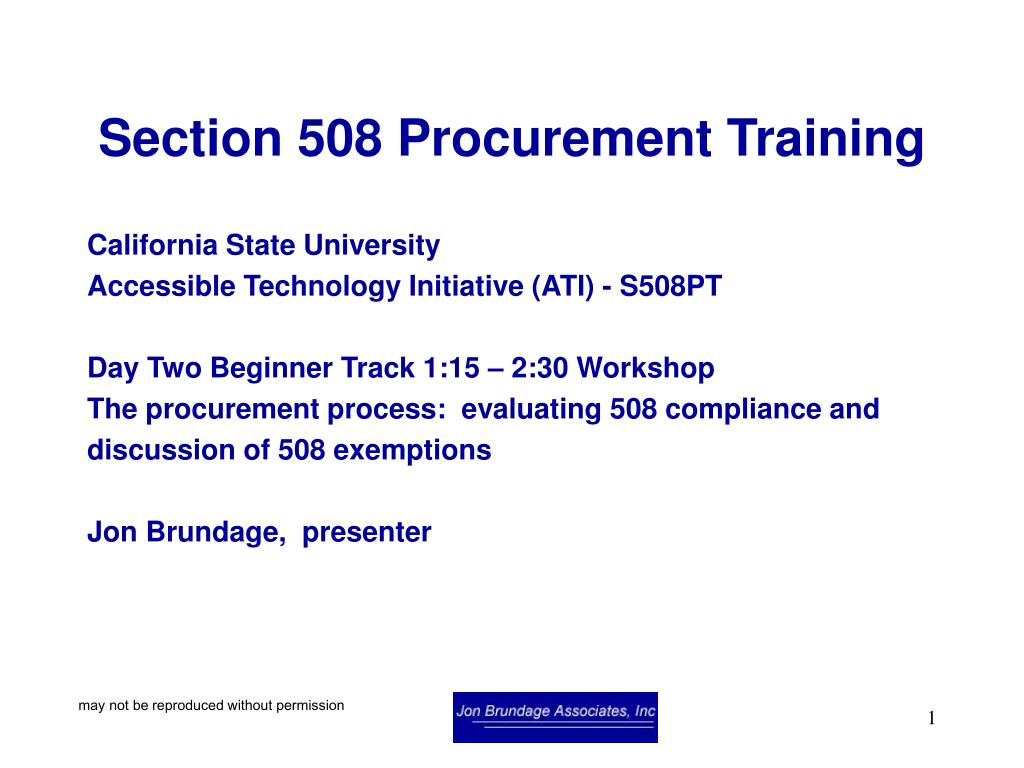
  1. Section 508 Procurement Training California State University Accessible Technology Initiative (ATI) - S508PT Day Two Beginner Track 1:15 – 2:30 Workshop The procurement process: evaluating 508 compliance and discussion of 508 exemptions Jon Brundage, presenter may not be reproduced without permission

  2. Topics • How to determine what Section 508 standard the product being secured will apply to. • How to evaluate a product against the applicable standard. • A look at the “Buy Accessible Wizard” • Exceptions: when are they granted and why. may not be reproduced without permission

  3. How to determine what Section 508 standard the product being secured will apply to. • Type of product, is it • web content or tool for creating web content? • software application? • telephone or answering service? • television, monitor or TV tuner card for computer? • self contained product such as a fax or copier? • desktop or laptop computer? may not be reproduced without permission

  4. How to determine what Section 508 standard the product being secured will apply to. • Once we have the product type, identify the characteristics. • Is it something that is “virtual”? • software • web content • Does it have controls? • phones • keyboard • panel buttons may not be reproduced without permission

  5. How to evaluate a product against the applicable standard. • Exercise: evaluate a product • Scenario: • A college wishes to distribute Apple iPods to students so they may download Video productions of lectures. • Students with disabilities must be taken into account. may not be reproduced without permission

  6. How to evaluate a product against the applicable standard. • First step- what kind of product is it? may not be reproduced without permission

  7. How to evaluate a product against the applicable standard. • What kind of product is it? • telecommunications • software • self contained may not be reproduced without permission

  8. How to evaluate a product against the applicable standard. • Next- what applies? • has software • has controls • has connectors may not be reproduced without permission

  9. How to evaluate a product against the applicable standard. • How does it meet requirements • available information (vendor VPAT) • evaluation by disability groups • in house evaluation may not be reproduced without permission

  10. How to evaluate a product against the applicable standard. • Findings • documentation • controls • operation for various disabilities may not be reproduced without permission

  11. A look at the “Buy Accessible Wizard” may not be reproduced without permission

  12. A look at the “Buy Accessible Wizard” • “A web-based tool to help users determine and document Section 508 requirements that apply to a particular E&IT acquisition” may not be reproduced without permission

  13. A look at the “Buy Accessible Wizard” • Features: • Wizard • Buy Accessible data center • manages data and references to company and accessibility information about E&IT products and services for government buyers • Glossary of terms • Link to PPT that has outline of process may not be reproduced without permission

  14. A look at the “Buy Accessible Wizard” • The Wizard takes you through a series of questions to help with analysis. may not be reproduced without permission

  15. A look at the “Buy Accessible Wizard” • After going through a series of questions, relevant information is provided (applicable paragraphs) • You can generate a report. may not be reproduced without permission

  16. Exceptions: when are they granted and why • EIT for a national security system • EIT acquired by a contractor incidental to a contract • Installation of Assistive technology at workstations of non-disabled • Agency owned information products –does not require moving the equipment • Fundamental alteration of product • EIT located in spaces frequented only by service personnel for maintenance, repair or occasional monitoring of equipment may not be reproduced without permission

  17. Exceptions: when are they granted and why • National Security • Cryptologic activities related to national security • command and control of military forces • equipment that is an integral part of a weapon or weapons system • or systems which are critical to the direct fulfillment of military or intelligence missions • DOES NOT include routine administrative activities such as payroll, finance, personnel administration may not be reproduced without permission

  18. Exceptions: when are they granted and why • EIT acquired by a contractor incidental to a contract • For example, if a vendor builds a website for an agency, that website must be compliant but the vendor’s website is not required to be accessible • A software provider does not need to make their authoring tools accessible. may not be reproduced without permission

  19. Exceptions: when are they granted and why • Provisions do not require that Assistive technologies be installed on all agency equipment. • federal worker that is not blind does not require a Braille reader at his/her work station. may not be reproduced without permission

  20. Exceptions: when are they granted and why • Agency owned information products • Products owned by the agency available for access and use by individuals with disabilities at a location other than that where the electronic and information technology is provided to the public is not required. • “Hey, grab that Kiosk and move to my front lawn.” may not be reproduced without permission

  21. Exceptions: when are they granted and why • Fundamental alteration • For example, a law enforcement agency supplies a small pager device for field use. That product is meant to be small. Converting the buttons to a large size would constitute a fundamental alteration. may not be reproduced without permission

  22. Exceptions: when are they granted and why • EIT located in spaces frequented only by service personnel for maintenance, repair or occasional monitoring of equipment • “locked closet” concept • for example, a server located in a closet only serviced by vendor. may not be reproduced without permission

  23. Exceptions: when are they granted and why • Undue burden • Must be documented. • “...agencies shall provide individuals with disabilities with the information and data involved by an alternative means of access that allows the individual to use the information and data.” may not be reproduced without permission

  24. Resources • 2008 AccessWorld Guide to Accessible Products • http://www.afb.org/store/product.asp?sku=978%2D0%2D89128%2D837%2D4&mscssid=1K8K9BF9DFG59HKTNF1NF772WF500439 • Access Board index • http://www.access-board.gov/sec508/guide/index.htm • Buy Accessible Wizard • http://www.buyaccessible.gov/ • Section 508.gov • http://www.section508.gov/ may not be reproduced without permission

  25. Questions/discussion Thank You! Jon Brundage jon@jonbrundageassoc.com www.jonbrundageassoc.com/CSU08/ may not be reproduced without permission