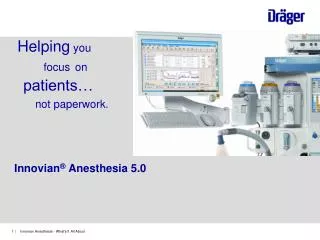
Innovian Training
Explore the essential practices of Perioperative Nursing Informatics as practiced at Duke Health. This training, led by experienced RNs Timothy Crittendon and Kimberly Martin, highlights key procedures for managing patient cases effectively. As soon as a case is opened, staff can start trending by selecting the Trend Action button in the Staff tab. Important metrics such as measured rates of fluids and gases are visually tracked. Additionally, staff must sign in and out on the dedicated screen, maintaining accountability through e-signatures for charges and notes.

Innovian Training
E N D
Presentation Transcript
Innovian Training Timothy Crittendon RN, BSN Kimberly Martin RN, BSN Perioperative Nursing Informatics Duke Health Technology Solutions
AS SOON AS YOU OPEN A CASE, START TRENDING BY SELECTING THE TREND ACTION BUTTON
Staff Button Staff Tab
Additional Items • ADDITIONAL: • Measured rate fluids and gasses are tracked with PINK lines • All staff must sign in and out on Staff screen opened with the Staff button – this is also where staff e-sig to the case. • HCFA and Charges notes continue to require an e-Sig as they did in Saturn • Yellow fields are required fields