Download
1 / 6
60 likes | 155 Vues
Learn how to print images to 8.5x11 PDF files easily using Adobe PDF settings. Follow the steps from scaling to printing with this helpful guide.

E N D
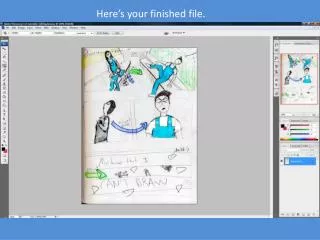
Make sure the Scale to Fit Media box is checked so everything is on the same page
Then under Printer, select Adobe PDF and hit the print button
The Printing Preferences window will open. Under Default Settings, select PDF/X-1a:2001. Then hit OK and then Print. A dialogue box will open asking you to name your file. Once you do that, the image will print to an 8.5x11 sized PDF file. The end!