
Uploaded by
alaula
1 SLIDES
159 VUES
10LIKES
Comprehensive Reporting Tools: Save, Print, and Export Options
DESCRIPTION
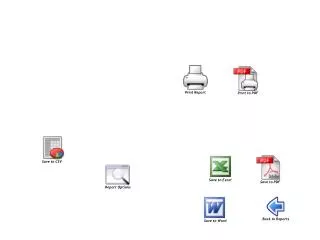
Explore our extensive reporting features that allow you to manage your data effectively. With options to save reports in various formats such as CSV, Word, Excel, and PDF, you can choose the one that best suits your needs. Easily print reports directly or generate a PDF for sharing and archival purposes. Utilize customizable report options to tailor the output to your specifications. Streamline your workflow and enhance productivity with our versatile reporting solutions.
Download
1 / 1
Télécharger la présentation 
Comprehensive Reporting Tools: Save, Print, and Export Options
An Image/Link below is provided (as is) to download presentation
Download Policy: Content on the Website is provided to you AS IS for your information and personal use and may not be sold / licensed / shared on other websites without getting consent from its author.
Content is provided to you AS IS for your information and personal use only.
Download presentation by click this link.
While downloading, if for some reason you are not able to download a presentation, the publisher may have deleted the file from their server.
During download, if you can't get a presentation, the file might be deleted by the publisher.
E N D
Presentation Transcript
Save to CSV Print Report Print to PDF Save to Word Back to Reports Save to Excel Save to PDF Report Options


















More Related