
SlideServe
Menu
Préférences
© SlideServe · v2026

Digital Imaging Workflow: Capture, Acquire, Process, Archive

alicial avatar
21 diapositives · 235 Views · Oct 20, 2019

Learn about the digital imaging workflow, from capturing images with a camera or scanner to processing and archiving them. Understand the importance of working methodically and backing up files to ensure their availability when needed.
Digital Imaging Workflow: Capture, Acquire, Process, Archive - slide 1
1 / 21

Télécharger la présentation

Digital Imaging Workflow: Capture, Acquire, Process, Archive
Une image / un lien ci-dessous est fourni (tel quel) pour télécharger la présentation

Politique de téléchargement : le contenu du site vous est fourni TEL QUEL pour votre information et votre usage personnel ; il ne peut être vendu, concédé sous licence ni partagé sur d’autres sites sans l’accord de son auteur.Le contenu vous est fourni TEL QUEL, pour votre information et votre usage personnel uniquement. Téléchargez la présentation en cliquant sur ce lien. Lors du téléchargement, si vous ne parvenez pas à télécharger une présentation, l’éditeur a peut-être supprimé le fichier de son serveur.Pendant le téléchargement, si vous ne parvenez pas à obtenir une présentation, le fichier a peut-être été supprimé par l’éditeur.

F I N

Plus de contenu associé

Transcription de la présentation
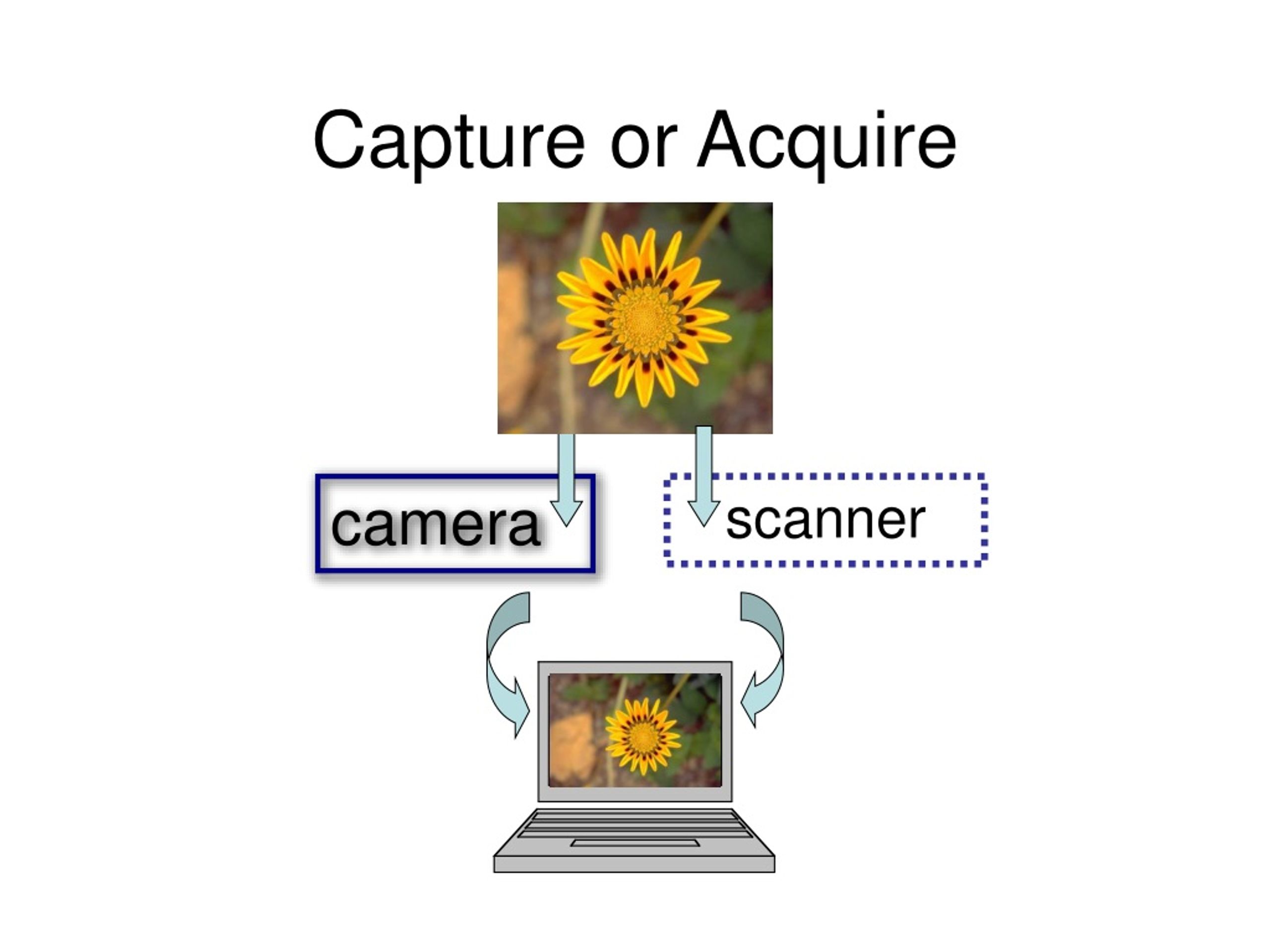
  1. Capture or Acquire camera scanner

  2. Capture Sunlight reflecting off an object travels thru the lens and hits the CCD at the back of your camera Sensors convert the intensity of the photons into electronic pulses

  3. Acquire a 2-D image or a 3-D object placed on a flatbed Light emitted by the scanner reflects off the object. Three passes of light RG&B are used to form a digital file.

  4. PHOTOGRAPHY WORKFLOW Expose

  5. PHOTOGRAPHY WORKFLOW Expose Process

  6. PHOTOGRAPHY WORKFLOW Expose Process Image Decisions

  7. PHOTOGRAPHY WORKFLOW Expose Process Image Decisions Print

  8. DIGITAL WORKFLOW Scan Expose

  9. DIGITAL WORKFLOW Scan Expose Import to Photoshop

  10. DIGITAL WORKFLOW Scan Expose Process RAW file Import to Photoshop

  11. DIGITAL WORKFLOW Scan Expose Process RAW file Import to Photoshop

  12. DIGITAL WORKFLOW Scan Expose Process RAW file Import to Photoshop Image Manipulation

  13. DIGITAL WORKFLOW Scan Expose Process RAW file Import to Photoshop Image Manipulation Digital Output: Print or Screen

  14. ARCHIVING ARCHIVED Scan Scan Scan Expose Process RAW file Import to Photoshop Image Manipulation Digital Output: Print or Screen

  15. ARCHIVING ARCHIVING ARCHIVED Scan Scan Expose Expose Process RAW file Process RAW file Import to Photoshop ARCHIVED ProcessedTIFF or DNG File Image Manipulation Digital Output: Print or Screen

  16. ARCHIVING ARCHIVED Scan Scan Expose Process RAW file Import to Photoshop ARCHIVED ProcessedTIFF or DNG File Digital TIFF MASTER Image Manipulation Digital Output: Print or Screen

  17. Work methodically!

  18. Work methodically! • ARCHIVE your files before making any changes to them.

  19. Work methodically! • ARCHIVE your files before making any changes to them. • SAVE your files to the same place each time with a name you can distinguish from another version or even another project.

  20. Work methodically! • ARCHIVE your files before making any changes to them. • SAVE your files to the same place each time with a name you can distinguish from another version or even another project. • BACK UP all files to your server space and/or burn a CD at the end of a work period

  21. REMEMBER: • digital imaging is virtual = it is information that can be corrupted, deleted or might not be available to you when you need it.