Easy CodeMate Registration Guide for Textbook Access
Registering for CodeMate is simple and straightforward. Start by visiting www.aw-bc.com/codemate and selecting your textbook from the available images. To register, you will need an access code from your textbook, a valid email address, and your school’s zip code. If you don’t have an access code, you can purchase it online. Follow the steps to enter your details, create a username and password, and answer a security question. Once completed, you will be registered and ready to access CodeMate!

Easy CodeMate Registration Guide for Textbook Access
E N D
Presentation Transcript
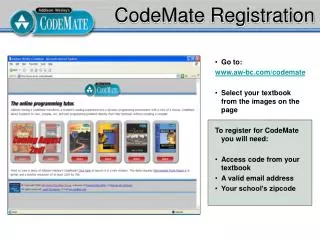
CodeMate Registration • Go to: www.aw-bc.com/codemate • Select your textbook from the images on the page To register for CodeMate you will need: • Access code from your textbook • A valid email address • Your school’s zipcode
CodeMate Registration • Click the Register button at the top of the page If you do not have a valid access code from your textbook, you can purchase access to CodeMate online. Click the Buy Now button.
CodeMate Registration • Enter your six-word access code from your textbook in the space provided • Enter your school’s zip code • Select your Country from the drop-down list • Click Next
CodeMate Registration • Enter your name and email address • Select your school name from the drop-down list • Create a username and password • Select and answer a security question
CodeMate Registration • Congratulations! You are now registered and ready to begin using CodeMate! • Click the Login In Now Button to begin using CodeMate