

SlideServe
Menu
Préférences
© SlideServe · v2026

Welcome!

amela-frank avatar
13 diapositives · 290 Views · Nov 12, 2014

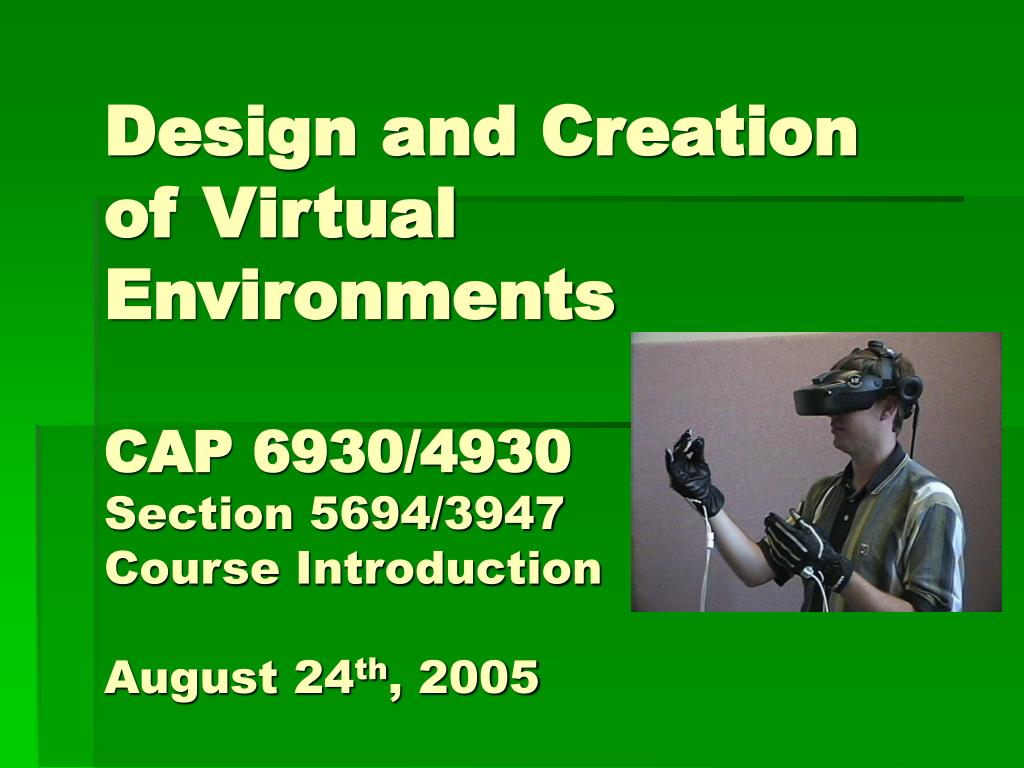
Design and Creation of Virtual Environments CAP 6930/4930 Section 5694/3947 Course Introduction August 24 th , 2005. Welcome!. My name is Benjamin Lok. Pronounced like “lock” as in lock the door. Not Loke as in Tone L ōc . Feel free to call me Ben. A bit about myself Background Interests.
Welcome! - slide 1
01 / 13Welcome!
1 / 17

Télécharger la présentation

Welcome!
Une image / un lien ci-dessous est fourni (tel quel) pour télécharger la présentation

Politique de téléchargement : le contenu du site vous est fourni TEL QUEL pour votre information et votre usage personnel ; il ne peut être vendu, concédé sous licence ni partagé sur d’autres sites sans l’accord de son auteur.Le contenu vous est fourni TEL QUEL, pour votre information et votre usage personnel uniquement. Téléchargez la présentation en cliquant sur ce lien. Lors du téléchargement, si vous ne parvenez pas à télécharger une présentation, l’éditeur a peut-être supprimé le fichier de son serveur.Pendant le téléchargement, si vous ne parvenez pas à obtenir une présentation, le fichier a peut-être été supprimé par l’éditeur.

F I N

Plus de contenu associé

Transcription de la présentation
  1. Design and Creationof Virtual EnvironmentsCAP 6930/4930Section 5694/3947Course IntroductionAugust 24th, 2005

  2. Welcome! • My name is Benjamin Lok. • Pronounced like “lock” as in lock the door. • Not Loke as in Tone Lōc. • Feel free to call me Ben. • A bit about myself • Background • Interests

  3. Course Run-icity • Ask questions!!! • Cheating will not be tolerated. You cheat == no longer in class. • No attendance, no nagging • In return: You are completely responsible for your actions in this class. • Very APPLIED (lots of projects). You will work hard.

  4. Discussion Topic • Let’s design the ultimate display. (Let’s break up into groups of 4 – 1 scribe) • What are the issues to consider? • Which senses do we want to provide sensory input to? • How would you engineer this? • How much would it cost? • What is possible today, what needs to be invented? • What is the best virtual reality experience available today?

  5. Course Notes Acknowledgement • A significant portion of the lecture notes were drawn from Dr. Larry Hodges at the University of North Carolina at Charlotte (previously at Georgia Tech). • Known for using VR in clinical therapy. • Clip of Fear of Flying

  6. What’s this course about? • What is a Virtual Environment? • Computer generated environments • Virtual Reality • Augmented Reality • Immersive Environments • Mixed Reality • Learn what goes into VEs • Learn to make VEs • Building your own VE • What are the research areas in VEs?

  7. What will we get to do? • Explore a new area of computer science research • Q: How old is VR and who is the ‘father’ of VR? • A: 1965, Ivan Sutherland (The Ultimate Display, first reading) • What is unique about the picture? • What does having the head device get you? • Build your own environments • Develop a significant group final project • Do things that have never been done before! • Explore your creative side

  8. Course Outline • Background and history of VR • Software • Hardware • Design • Interaction • Research Issues • Build Basic VE • Build Complex VE • Group Project building a compelling VE

  9. Pre-Requisites • Proficient in programming (preferrable C/C++) • Programming must not be an obstacle • Java3D is an option, but more complex • General technical background • Familiar with computer graphics • You can take this course while taking CAP 4730, but it will be a challenge

  10. Pre-Requisites • Please drop on by if you have any questions/concerns • No Slackers allowed… • those in search of an easy ‘A’ drop now! • those in search of a rewarding challenge stick around!

  11. Why should I take this course? • An excuse to build that program/game/project you always wanted • A Computer Science course that involves a variety of skills (other than coding!) • Art • Psychology • Sound • Creativity • To play with fun toys • To show off your projects! • End of the semester final projects (potential advisors!)

  12. Syllabus • Project course (most of your grade) • Create your own virtual environments • Create a group (probably made up of 3 people) project • Investigate the course topics you find most interesting • Do something that’s never been done before. • Go over syllabus

  13. Readings • Chapter 1 – Introduction • "The Ultimate Display," Sutherland, I.E., Proceedings of IFIPS Congress 1965, New York, New York, May 1965, Vol. 2, pp. 506-508. • "A Head-Mounted Three-Dimensional Display," Sutherland, I.E., AFIPS Conference Proceedings, Vol. 33, Part I, 1968, pp. 757-764. • http://www.artmuseum.net/w2vr/timeline/Sutherland.html#SutherlandText