Creative Ways to Customize and Utilize Cube Templates in the Classroom
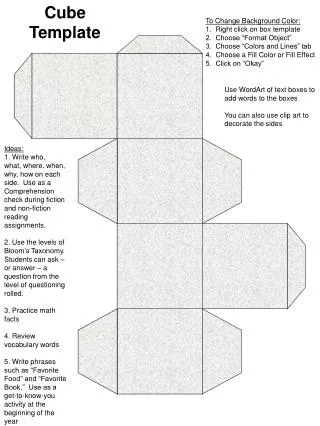
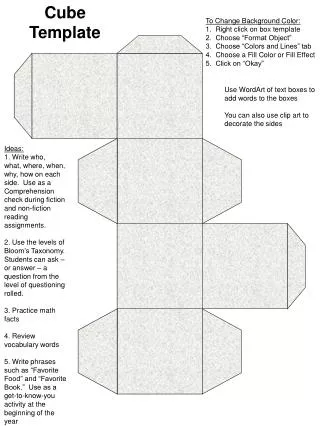
Transform your classroom cube templates with a customized background color to enhance engagement. Right-click the box template and select "Format Object" to access the "Colors and Lines" tab for fill color options. For added creativity, incorporate WordArt for text and clip art for decoration. Use these cubes for comprehension checks in reading, explore Bloom's Taxonomy for questioning levels, practice math facts, review vocabulary, or gather favorite food and book preferences as a fun get-to-know-you activity at the start of the year.

Creative Ways to Customize and Utilize Cube Templates in the Classroom
E N D
Presentation Transcript
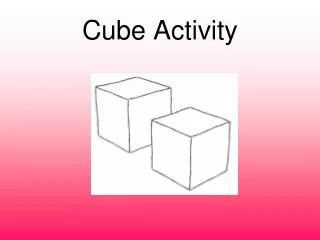
Cube Template To Change Background Color: 1. Right click on box template 2. Choose “Format Object” 3. Choose “Colors and Lines” tab 4. Choose a Fill Color or Fill Effect 5. Click on “Okay” Use WordArt of text boxes to add words to the boxes You can also use clip art to decorate the sides Ideas: 1. Write who, what, where, when, why, how on each side. Use as a Comprehension check during fiction and non-fiction reading assignments. 2. Use the levels of Bloom’s Taxonomy. Students can ask – or answer – a question from the level of questioning rolled. 3. Practice math facts 4. Review vocabulary words 5. Write phrases such as “Favorite Food” and “Favorite Book.” Use as a get-to-know-you activity at the beginning of the year