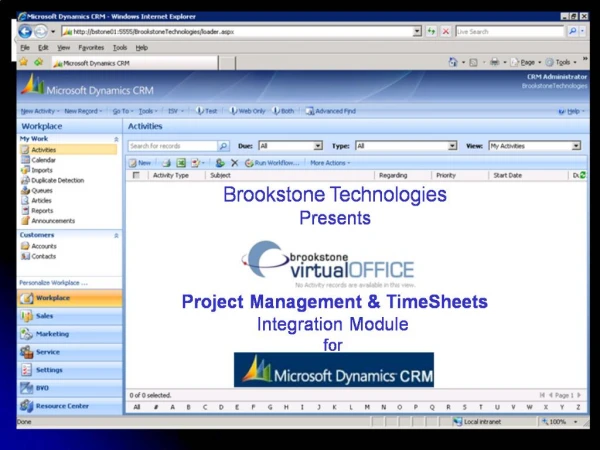
The Brookstone Mobile Virtual Office
The Brookstone Mobile Virtual Office allows seamless connectivity through Domino EveryPlace Server, enabling users to view and manage companies and contacts on-the-go from their Palm or Pocket PC. Effortlessly create and track action items, accept Customer Care assignments from your help desk, and access your full contact manager. Experience full access to your main contact menu, view contacts by last name, and manage action items effectively, all tailored for easy navigation on your Palm device.
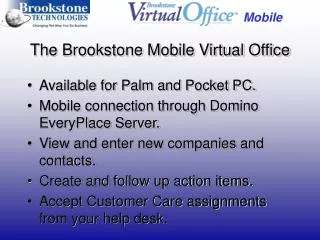

The Brookstone Mobile Virtual Office
E N D
Presentation Transcript
The Brookstone Mobile Virtual Office • Available for Palm and Pocket PC. • Mobile connection through Domino EveryPlace Server. • View and enter new companies and contacts. • Create and follow up action items. • Accept Customer Care assignments from your help desk.
Connection To Domino Everyplace Palm Pilot View
Palm Pilot View Full access to your BMVO Contact Manager
Palm Pilot View Main Contact Menu
Palm Pilot View View of Contacts by Last Name
Palm Pilot View Scrolling Across the View for more information
Palm Pilot View Main Contact Screen
Palm Pilot View Now Look at what’s on my Action Item List
Palm Pilot View Actions Items main menu
Palm Pilot View View of Actions by Date
Palm Pilot View Main Action Item Screen
Palm Pilot View See if you’ve been assigned any Customer Care Calls
Palm Pilot View Customer Care Main Assignment Menu
Palm Pilot View View of Assignments by Priority
Palm Pilot View Assignment Main Acceptance Screen