
Electronic Portfolio Development Workshop
E N D
Presentation Transcript
Electronic Portfolio Development Workshop March 28, 2004 Indiana University of Pennsylvania Mathematics Education
Electronic Portfolio • Your electronic portfolio should be a representation and reflection of your best work and achievements during your college career. • Make it personal, but keep it professional.
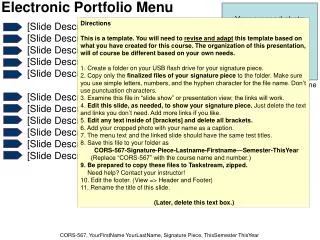
Step One Portfolio Evaluation • Homepage • Philosophy • Resume • Act 34 (Criminal Record) Clearance • Act 151 (Child Abuse) Clearance • Current Transcript • Speech and Hearing Clearance • TB Test • Representation and Reflection of Standards
How many of you have started working on your portfolios? • How many of you have worked with Microsoft FrontPage? • How many of you have created personal websites?
Handbook Guide • Using FrontPage to create your portfolio • Samples and Guidelines • INTASC Standards • ISTE Standards • Resources
Template CD • Contains templates for several pages required in your electronic portfolio. • CD can be used with Microsoft FrontPage. • Insert the CD into the CD-ROM and open the files in FrontPage.
Electronic Portfolio Example http://www.people.iup.edu/pxsh/Portfolio_fnl/index.htm
Questions • Sabrina Chmel ~ email: PXSH@iup.edu • Secondary Math Lab ~ Tuesdays 4:00 – 6:00pm • College of Education and Educational Technology ~ Electronic Portfolio Development Center http://www.coe.iup.edu/rjl/projects/portfolio/INDEX.htm