
SlideServe
Menu
Préférences
© SlideServe · v2026

Comprehensive Session Management with Full IP Support for IBM Mainframes

boyd avatar
20 diapositives · 374 Views · Aug 09, 2014

InterSession offers a robust 3270 Session Manager with full IP support, enabling single and multiple session capabilities for IBM mainframes running zOS, VSE, and VM. Featuring an integrated web gateway, seamless TN3270 client/server setup, and advanced application menu for easy selection, it enhances productivity with cut and paste support, shared sessions, and single sign-on access. Administrators benefit from a user-friendly Windows-based client for easy management, comprehensive security features, and customizable screens. Streamline your mainframe operations today with InterSession.
Comprehensive Session Management with Full IP Support for IBM Mainframes - slide 1
01 / 20Comprehensive Session Management with Full IP Support for IBM Mainframes
1 / 17

Télécharger la présentation

Comprehensive Session Management with Full IP Support for IBM Mainframes
Une image / un lien ci-dessous est fourni (tel quel) pour télécharger la présentation

Politique de téléchargement : le contenu du site vous est fourni TEL QUEL pour votre information et votre usage personnel ; il ne peut être vendu, concédé sous licence ni partagé sur d’autres sites sans l’accord de son auteur.Le contenu vous est fourni TEL QUEL, pour votre information et votre usage personnel uniquement. Téléchargez la présentation en cliquant sur ce lien. Lors du téléchargement, si vous ne parvenez pas à télécharger une présentation, l’éditeur a peut-être supprimé le fichier de son serveur.Pendant le téléchargement, si vous ne parvenez pas à obtenir une présentation, le fichier a peut-être été supprimé par l’éditeur.

F I N

Plus de contenu associé

Transcription de la présentation
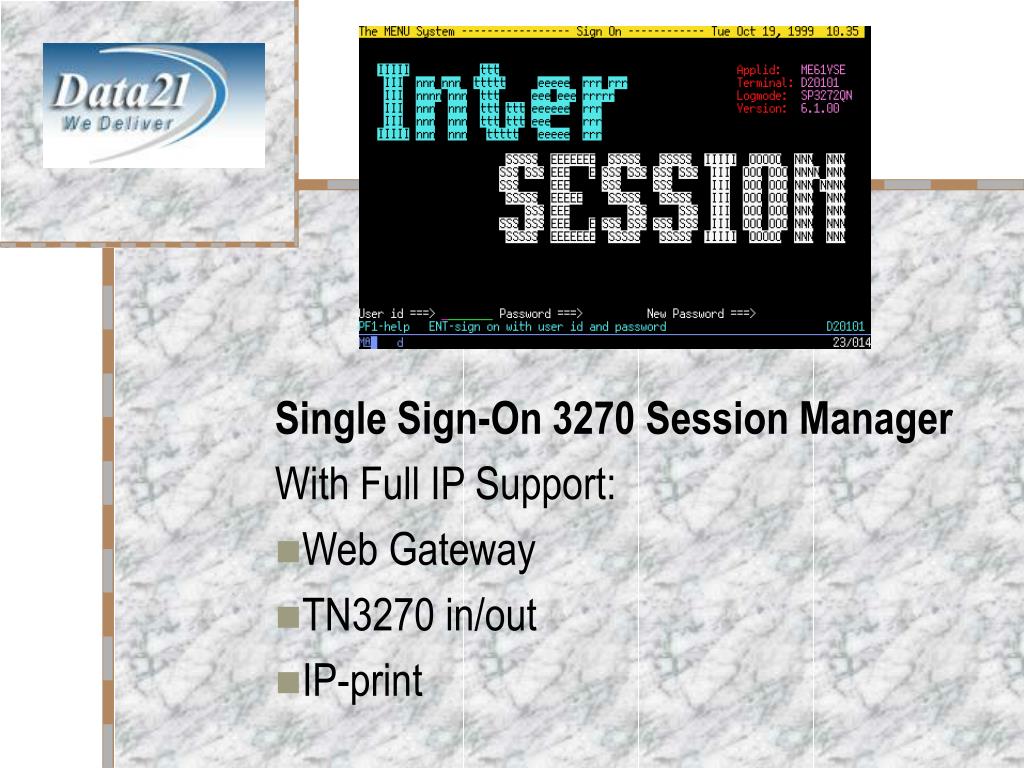
  1. InterSession Single Sign-On 3270 Session Manager With Full IP Support: Web Gateway TN3270 in/out IP-print

  2. Basic Functions • Single and Multiple Session Possibilites • Application Menu for easy application selection • All IBM Mainframe O/S: zOS, VSE and VM • Supports All Application Host Systems • Built-in Web Gateway • Built-in TN3270 Client/Server • 3270 Print to any IP Printer • Messaging system

  3. Productivity Features • Web Gateway: No Client Software Needed • Single Sign-On Access to Applications • Top Line Menu • Screen Hardcopies to Any Printer • Cut and Paste Data Between Sessions • Share Sessions with Other Users

  4. Administrative features • Easy Administration: • Windows Based Administration Client • On-line Maintenance Routines • Individual Screen Layout • Help System • Statistics and Accounting Information • Multi-lingual Possibilities for All Screen Text

  5. Security features • Flexible Security and Authorization System • Supports VSE BSM, RACF, CA-TopSecret and CA-ACF/2 • Supports Pass Tickets • Unique CICS Features Increase Security and Simplify Maintenance

  6. Performance features • Built in TN3270 Server for Reduced Overhead • Automatic 3270 Data Compression • Uses subtasks for long running operating system calls • Completely written in assembly language • Uses 31bit mode in all environments

  7. Web Gateway Application Selection

  8. Web Gateway 3270 Application

  9. 3270 Application Selection Menu • Completely customizable • Only applications available to the user are shown • Inactive applications are highlighted • Help desk can provide information text and estimated uptime for inactive applications • User defined Information screens can be accessed as applications • Number of active sessions controlled per user

  10. 3270 Application Selection Menu

  11. 3270 Application Selection Menu

  12. 3270 Top Line Menu • Invoked at any time by pressing Attn or user defined key • Familiar behaviour (CUA) • Easy session start/switch • Print hardcopy of application screen • Cut and paste data • Give or share session with another user

  13. 3270 Top Line Menu

  14. Single Sign-On access to applications • Advanced scripting facilities • Support for Pass tickets for logon without password • Unique CICS feature allows for seamless access to CICS systems • Application sessions can be auto started at user log on

  15. Other Security enhancing features • Standby screen hides application data on idle terminals - password required to continue • Automatic application log off for idle users

  16. Messaging System

  17. Built-in TN3270 support • TN3270 Server removes VTAM sessions between stack and Session Manager, reduces overhead • TN3270 Client lets you access other host applications via TCP/IP

  18. VTAM and TCP/IP Print support • Network print support – Passthru VTAM print from other applications, hardcopies and internally generated print to TCP/IP printers using LPD, RAW and PJL protocols • Print to system spool - Passthru VTAM print to your system spool list queue • TN3270E printing – Connecting TN3270E printers to InterSession’s virtual VTAM print

  19. Administration from Windows • Windows based administration client • TCP/IP connection to InterSession • Manage InterSession without 3270 skills

  20. Administration from Windows