Web Page Design
Discover the essential components of web design that ensure an engaging online experience. This guide emphasizes the importance of informative, accurate, and up-to-date content. Explore how aesthetics—including colors, fonts, and images—contribute to a site’s look and feel. Learn effective navigation techniques using hyperlinks, menus, and forms for data collection. Find out the advantages of using programming languages like JavaScript and PHP, alongside WYSIWYG editors. Ensure your work is consistent and organized by saving all files in one location while regularly checking your design in various browsers.

Web Page Design
E N D
Presentation Transcript
Web Page Design CIS 300
3 Elements of a Web Site Content Aesthetics Navigation
Content • This is really the purpose of having a web. • Must be: • Informative • Accurate • Up to date
Aesthetics • Look and Feel of a Web Site • Colors • Font • Size • Color • Pictures • Background
Navigation How to move around from page to page Hyperlinks Menus Icons
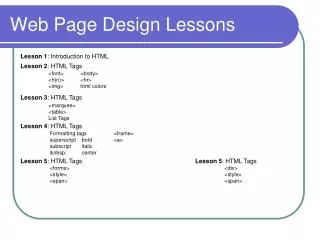
Other Possibilities • Forms (for collecting data) • Text Boxes • Option Buttons • Checkboxes • Drop Down Lists • Programming Languages • JavaScript • Lots of free code available – just “Google it” • Visual Basic • PHP
How to Design Webs • Use a WYSIWYG Editor (like FrontPage) • Check your work in a Browser • FireFox • Internet Explorer • Safari • Chrome • Save and Refresh Often • Save all Files in one place • Create a folder • Copy Menus to every page