
Enhance Your PowerPoint Presentation: Customizing Slides and Adding Content
Unlock the potential of your PowerPoint presentations with customizable options that allow you to add personalized text and new slides effortlessly. Use the "Text" box on each page to include your own content. You can also integrate new slides from this presentation into existing ones by selecting "Slides from File" under the Insert menu. Explore the anatomy of the shoulder and arm, from bony landmarks like the humerus to synergists involved in shoulder movements. Elevate your presentations with informative and tailored materials.

Enhance Your PowerPoint Presentation: Customizing Slides and Adding Content
E N D
Presentation Transcript
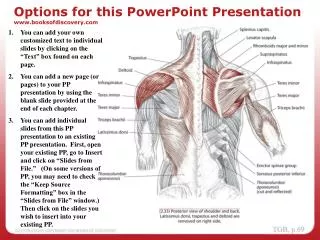
Options for this PP presentation Options for this PowerPoint Presentationwww.booksofdiscovery.com You can add your own customized text to individual slides by clicking on the “Text” box found on each page. You can add a new page (or pages) to your PP presentation by using the blank slide provided at the end of each chapter. You can add individual slides from this PP presentation to an existing PP presentation. First, open your existing PP, go to Insert and click on “Slides from File.” (On some versions of PP, you may need to check the “Keep Source Formatting” box in the “Slides from File” window.) Then click on the slides you wish to insert into your existing PP.
Bones of the Shoulder and Arm Bones of the Shoulder and Arm Text
Bony Landmarks - Humerus, Anterior Bony Landmarks Text
Trail 1 - Spine of Scapula, Medial Border Trail 1 “Along the Edges” Spine of the Scapula Text Medial Border Text
Synergists - Shoulder, Lateral and Medial Rotation Shoulder (glenohumeral joint) Text
Levator Scapula - AOIN Levator Scapula
Levator Scapula - O and I, Palpate Levator Scapula Text